
Online Safety
At Hazelwood, we believe that the Internet is essential in 21st century life for education, social interaction and business.
The online world is a brilliant place for children to explore — full of learning, creativity and connection — but, like the real world, it carries risks they must learn to recognise and navigate. Online safety covers not just the internet but all devices and platforms children use: computers, games consoles, phones, tablets, smart TVs and emerging tools such as generative AI. The benefits of the digital world far outweigh the harms, but children, schools and parents must work together to understand the dangers, set clear boundaries and teach the skills needed to stay safe, respectful and confident online.
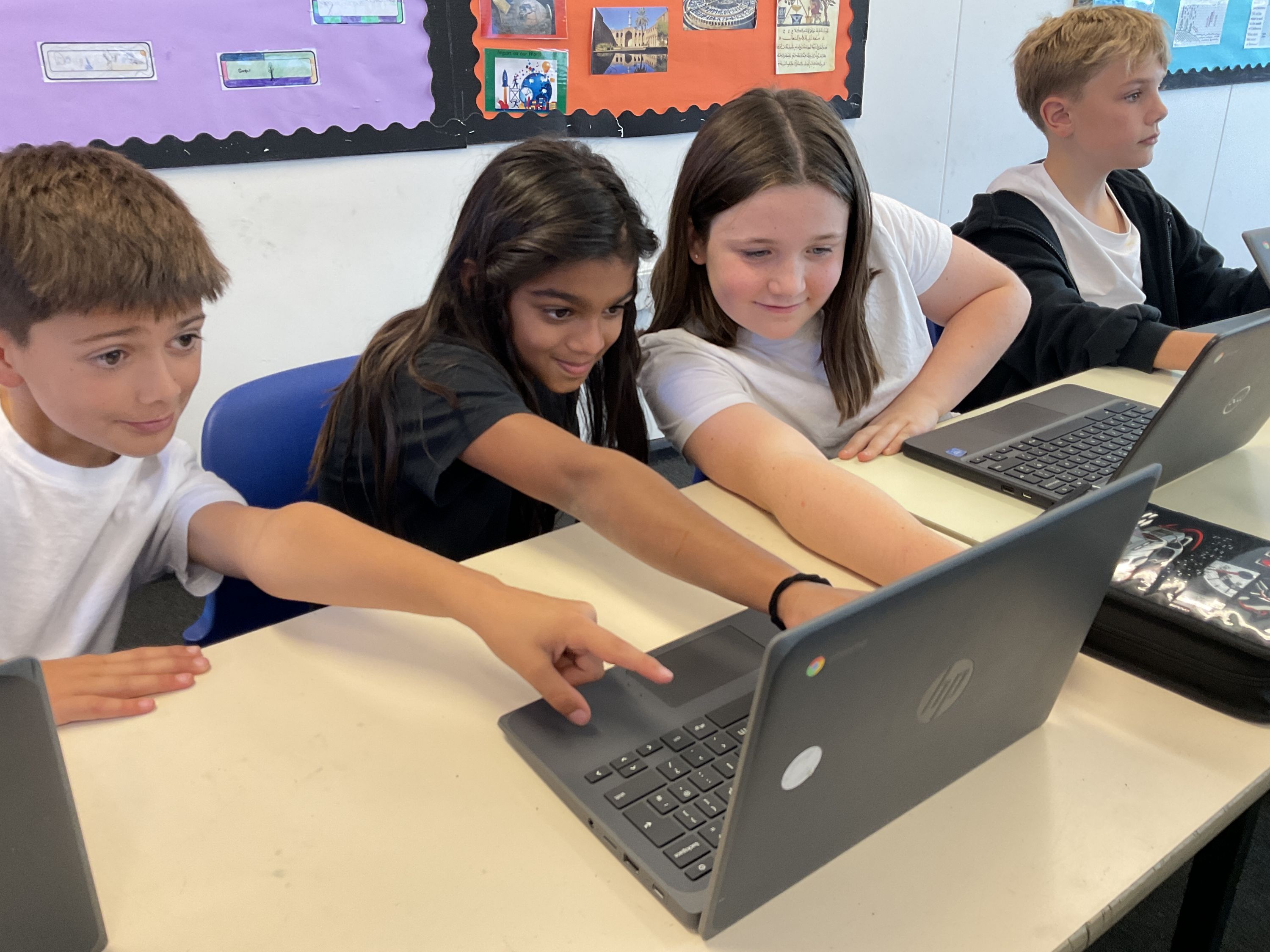
Here’s what you can do to help your child stay safe while they are learning and having fun online.
10 steps to keep your child safe online
- Talk about the online world regularly
Make conversations natural and age-appropriate. Ask what apps, games or videos your child likes, what they do there and who they talk to. Ask your child to show you their favourite websites and apps and what they do on them. Listen, show interest and encourage them to teach you the basics of the site or app. - Agree clear, simple rules together
Set a few household rules (time limits, where devices are used, what’s OK to share). Write them down and review them each term as your child grows. - Use parental controls and safe settings
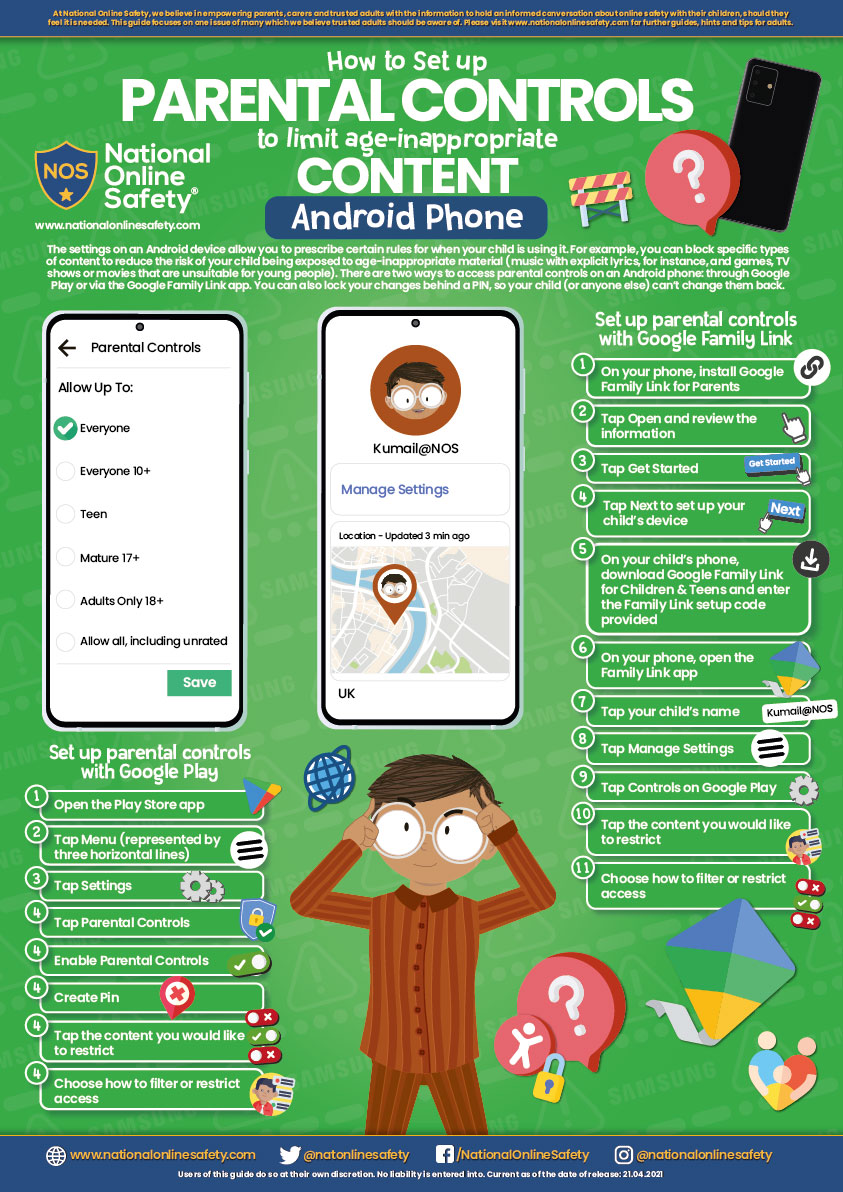
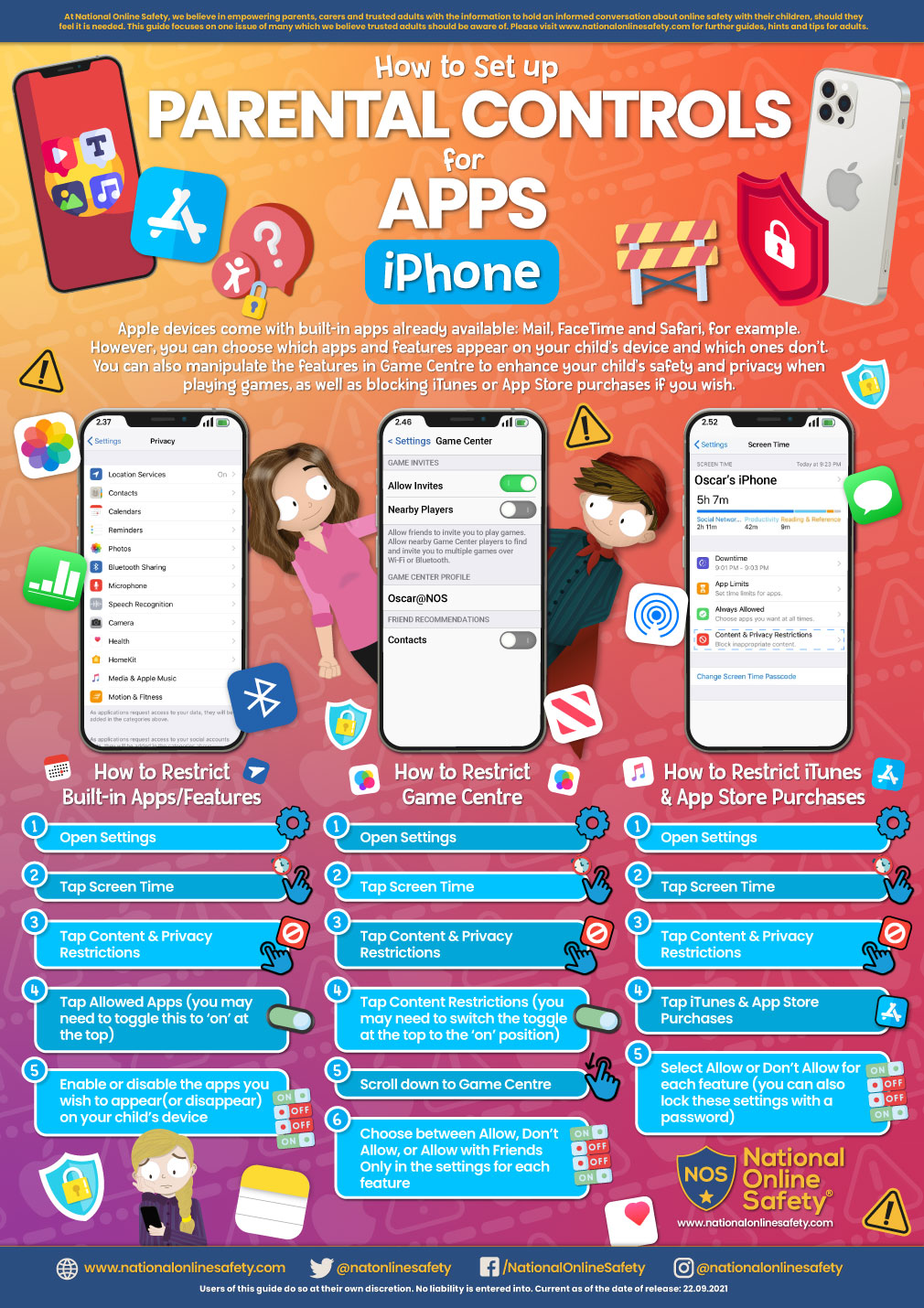
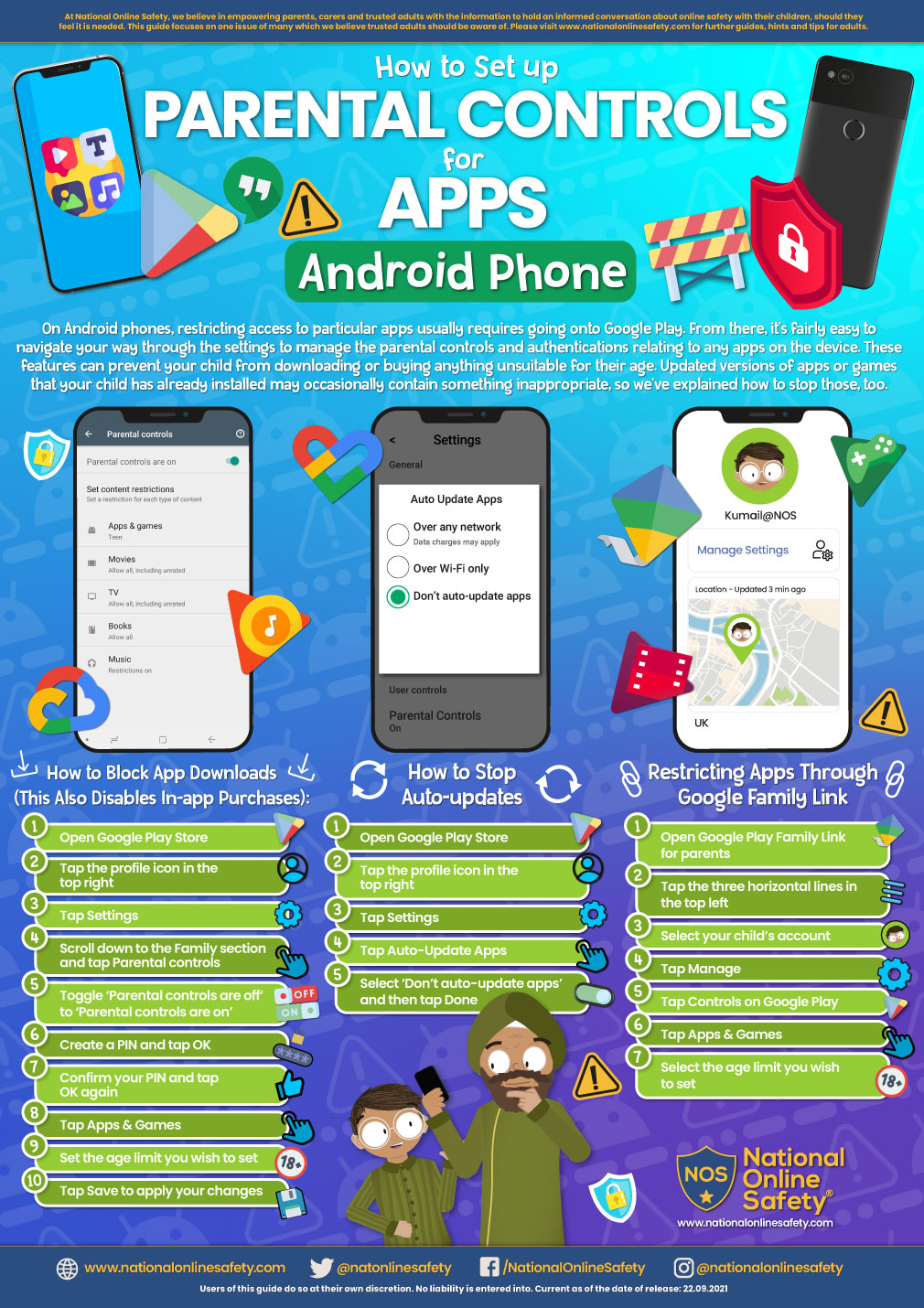
Enable parental controls on devices, consoles and apps; turn on age-appropriate settings in stores (Apple/Google/Microsoft) and in games. Remember controls help, but they don’t replace conversations. You can find out more about how to use parental controls by visiting your broadband provider’s website. - Teach the 4 simple risks to look out for — content, contact, conduct and commerce
- Content: harmful or upsetting material.
- Contact: strangers or adult behaviour that’s inappropriate (including AI chatbots).
- Conduct: what children do online (sharing images, bullying).
- Commerce: scams, gambling-style apps or in‑game purchases.
Help your child recognise each and tell them who to speak to if something worries them.
- Make privacy and personal information a habit
Ensure accounts are private where possible. Teach children not to share full names, addresses, school names, passwords or location in posts or chats. - Talk about images and sharing
Explain that photos can be copied and can cause harm. Encourage your child to never share images; if a child is sent an inappropriate image, they must tell you and not forward it. - Prepare them for AI and bots
Explain that generative AI can appear human and may give wrong or inappropriate answers. Encourage scepticism, checking facts and coming to you about anything confusing or upsetting from an AI tool. - Keep devices in shared spaces and monitor use appropriately
For primary-aged children, keep devices where adults can see. Use device and network filtering/monitoring at home. - Know how to report and get help
If something serious happens, report to CEOP or your local police and inform the school’s Designated Safeguarding Lead. For tech platform problems, use the platform’s reporting tools. - Reassure and act calmly if things go wrong
If your child tells you about something upsetting, stay calm, listen, record what happened (screenshots where safe), and contact the appropriate service. Explain that you would never blame them for anything that might happen online, and you will always give them calm, loving support. Children must never be punished for reporting.
Here are some videos to help your child learn about staying safe online:
Nursery - Year 2 Online Safety Videos
Lee and Kim
Grab the banana
timon and pumbaa
jessie and friends
associated resources
Year 3 - 4 Online Safety Video
band runner
Year 5 - 6 Online Safety Video
jigsaw
Videos on AI
Video: Introducing AI: Building the Basics
Video: Using AI Tools Responsibly

Video: Using AI Thoughtfully

Hazelwood is a smartphone free school!
From September 2025, along with many other Primary and Secondary schools in Enfield and Barnet, Hazelwood became a smartphone-free school. This means that no child will be allowed to bring a smartphone into school. We believe that this change will reduce the risk of children being exposed to harmful content and addiction, avoid academic distraction and foster a healthier environment for our pupils in school, as well as outside of school and at home. Any child with a smartphone will not be able to walk home with it and a parent will need to collect it.
If you are looking to purchase your child a phone, or you need to contact them during their journey to and from school, we recommend considering a simple “brick” phone, which does not have internet connectivity and is more affordable. Examples of alternatives to smartphones can be found here: Alternative phones
Smartphone Free Video - The Boy Who Played Outside
Smartphone Free Video - Mobile World (Year 5 & 6 Only)
Online Safety Day
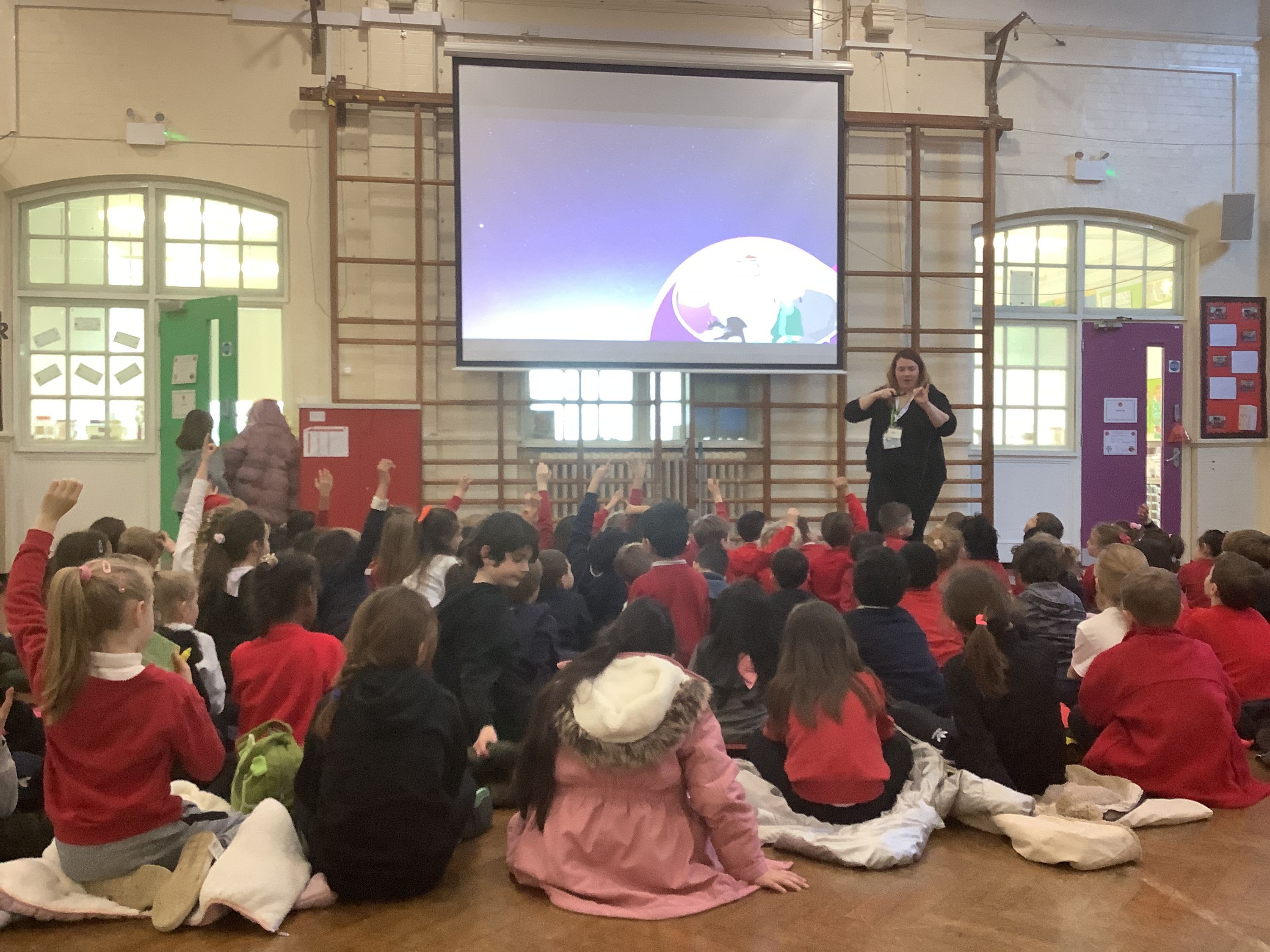
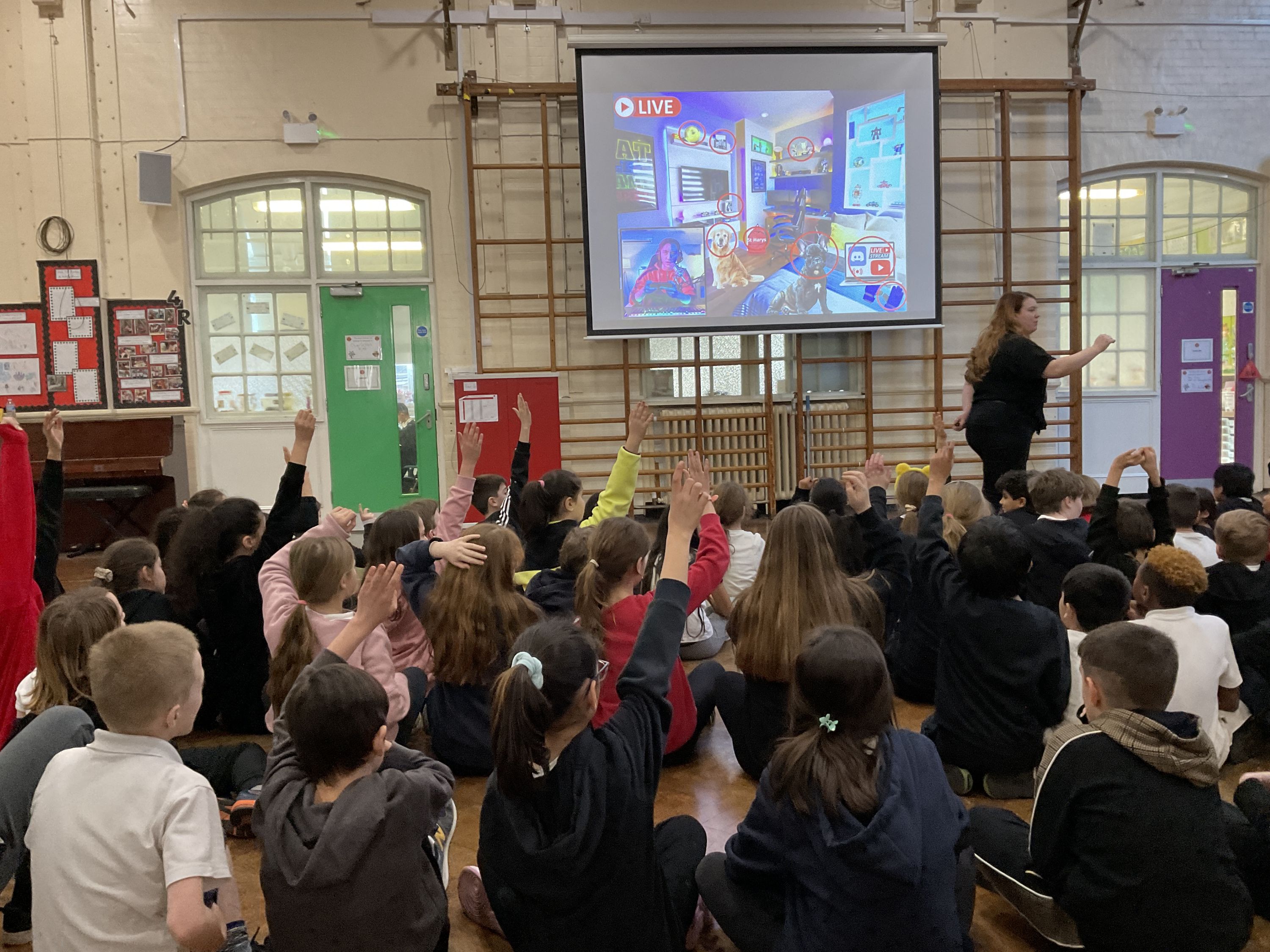
Online Safety Day on Tuesday 7th February gave us the opportunity to teach the children of all ages about the importance of keeping safe online. We welcomed our friends at Education Child Protection Ltd (ECP) to speak with the children at an age-appropriate level about how to keep safe and how to report problems when online. It is always amazing (and sometimes a little worrying) to hear how much the children know about the latest game and their chat functions, or how they browse YouTube and know how to log in on Mum and Dad's username!
All staff also received training on how to teach online safety and support our young people too. Thank you also to the many parents and carers who went online to watch the information session - I do hope you found it useful.
There are many sites to support parents and carers with keeping their children safe online:
- Internet matters - for support for parents and carers to keep their children safe online
- Digi Safe - for parents and carers to keep their children safe online including a family agreement
- NSPCC - for support for parents and careers from the NSPCC
- Parent info - for support for parents and carers to keep their children safe online
- Thinkuknow - for advice from the National Crime Agency to stay safe online
- UK Safer Internet Centre - advice for parents and carers and to report and remove harmful online content
- CEOP Helping you to protect your child online -
At Hazelwood, we regularly use and highly recommend the Online Safety website KidsOnlineWorld which contains lots of information regarding popular apps, games & parental controls. Please click the hyperlink above or on the image below to access the website.

How to Keep your Child Safe Online - A guide from Enfield LA
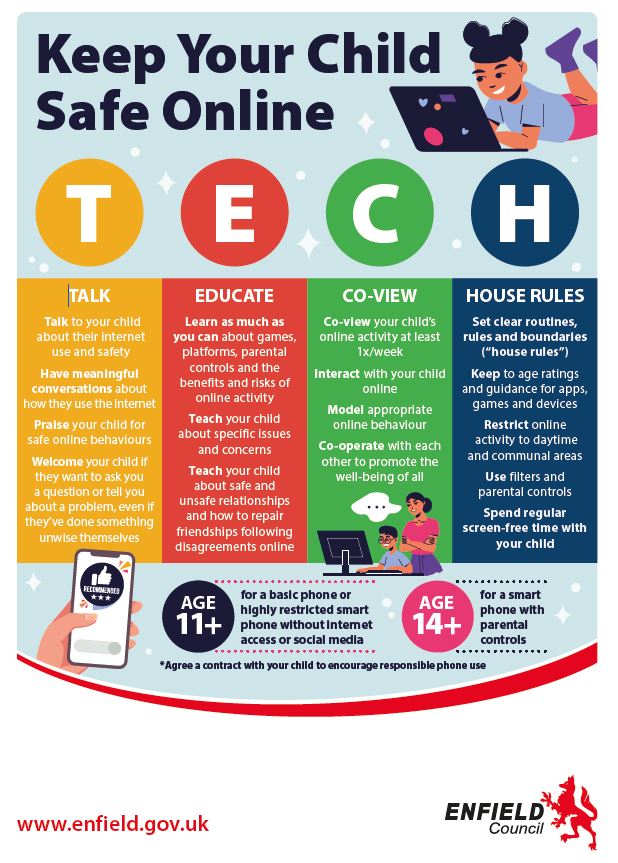
To access the full guide, please click here: How to keep your child safe online
Do you know what apps your children are using?
It's important to stay informed about the apps your children are using. Many popular apps, like TikTok, Snapchat, and Instagram, offer fun and creative ways to connect with friends but also come with risks such as exposure to strangers who pose a risk of harm, inappropriate content, or cyberbullying.
Regularly check the apps on your child's device and have open discussions about their online activities.
Encourage them to share their experiences and teach them about privacy settings and safe online behaviour. By staying involved and informed, you can help ensure your child's online experience is both fun and safe.
Click here: https://www.kidsonlineworld.com/apps.html
Online Safety Guides for Parents
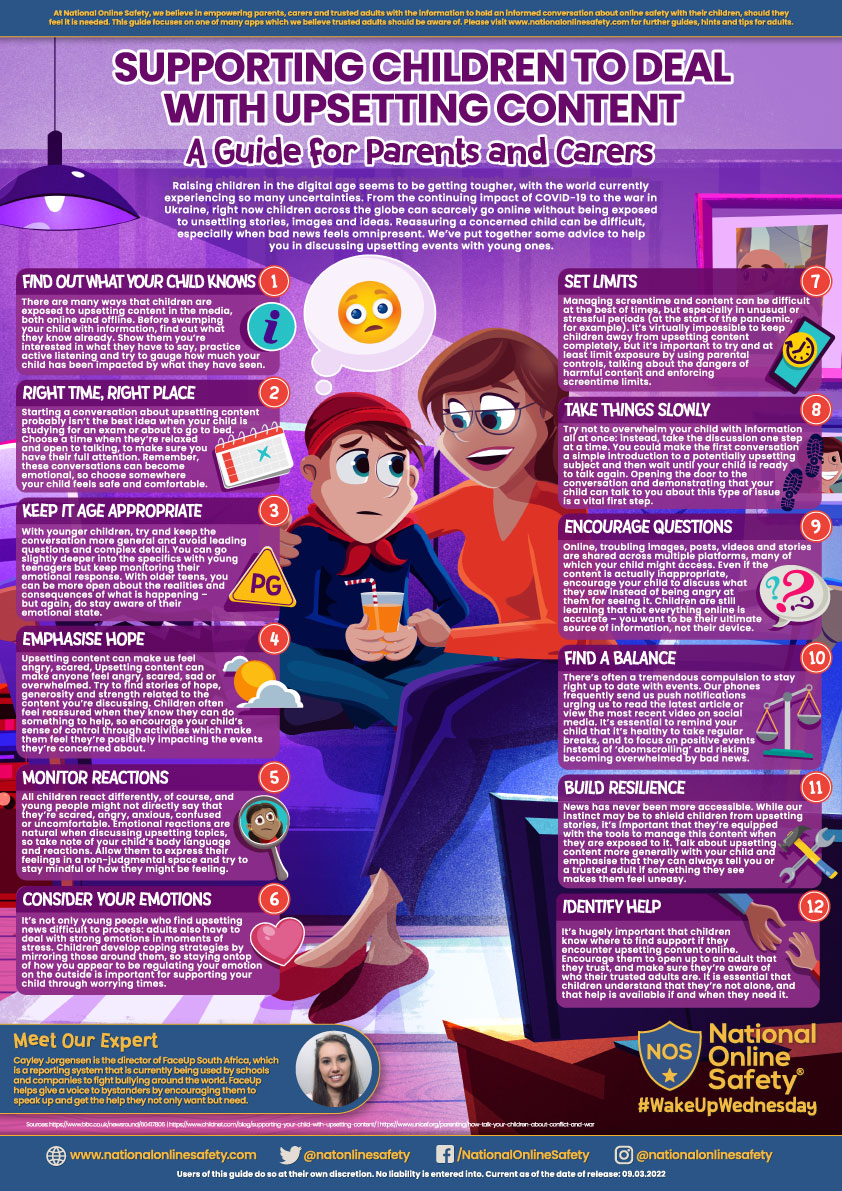
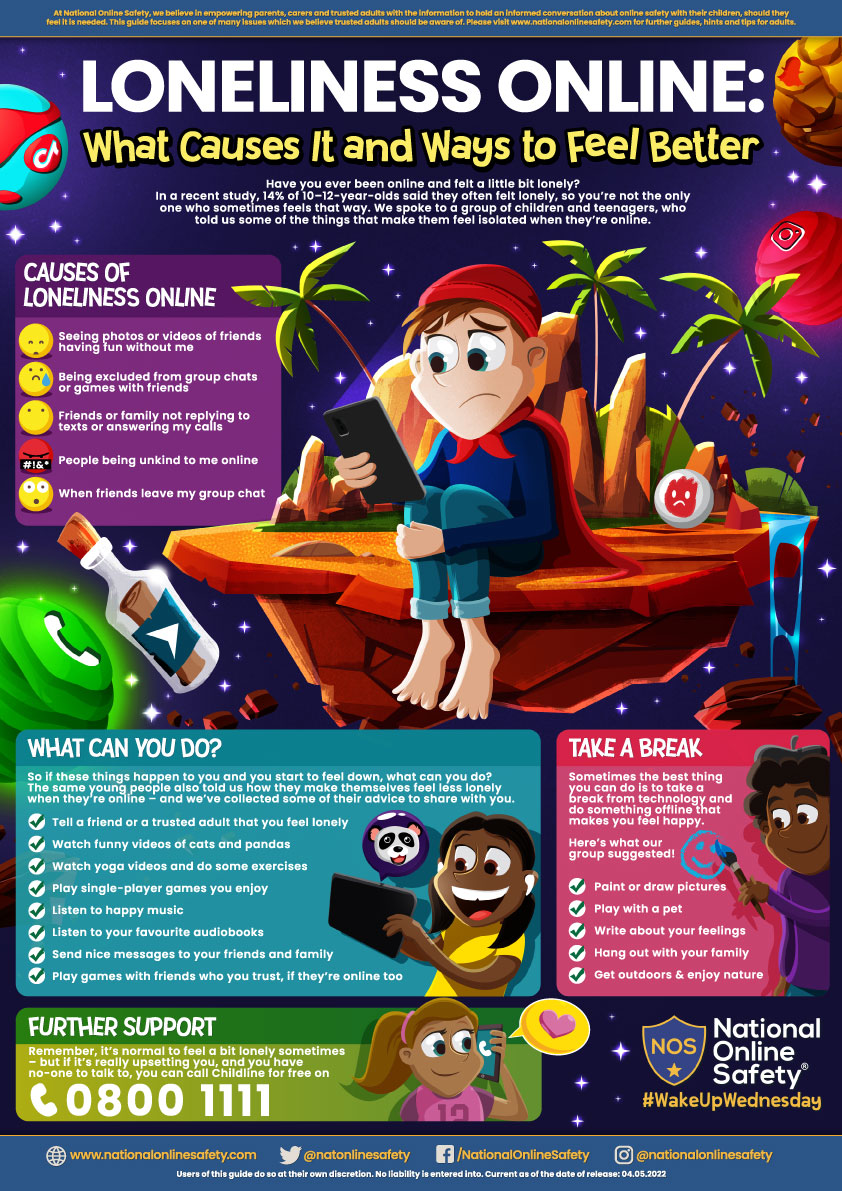
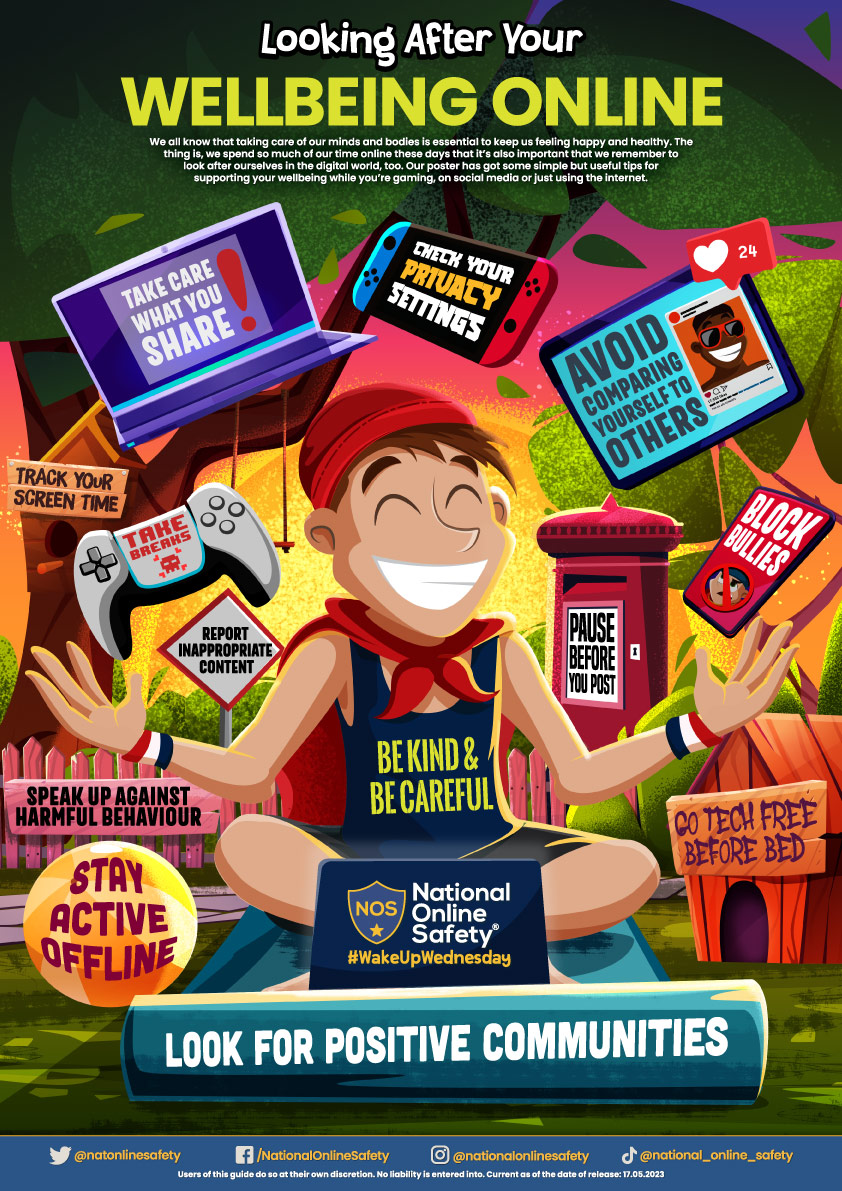
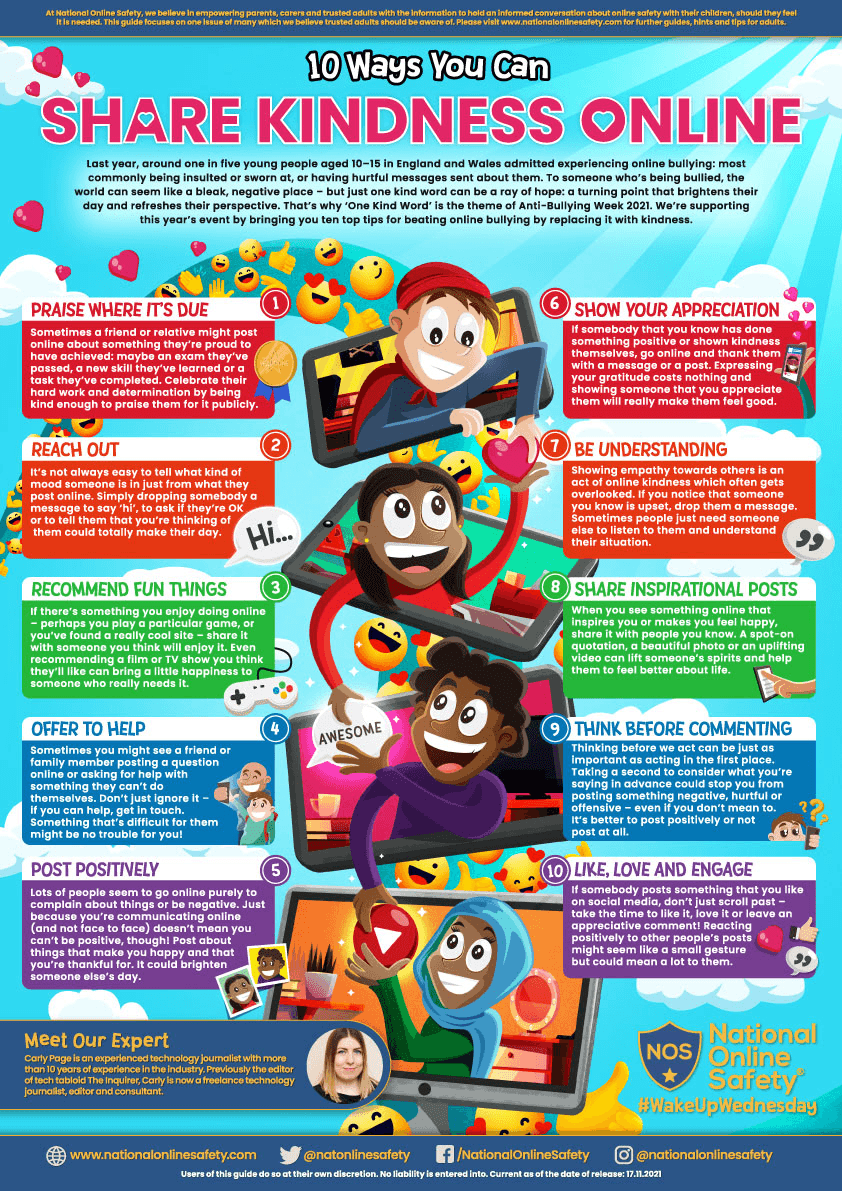
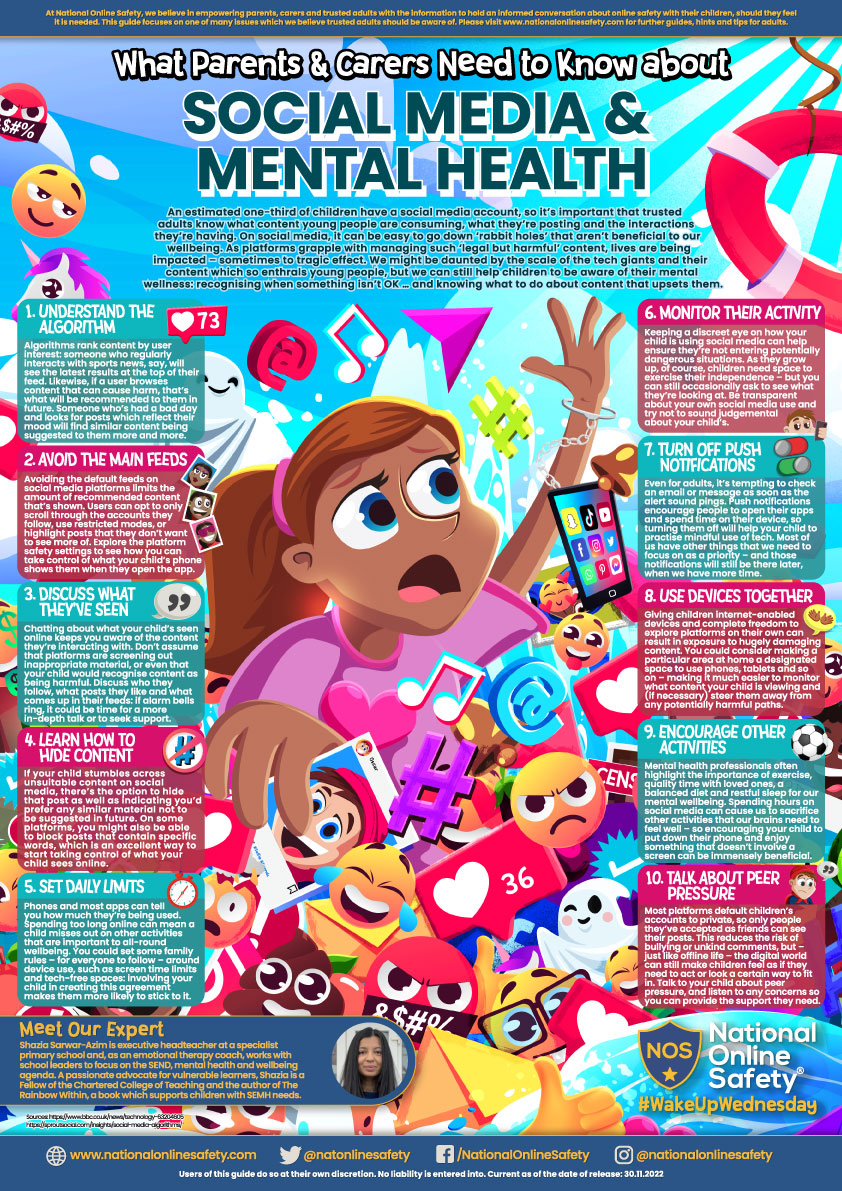
We have signed up to National Online Safety (NOS) to be able to share a number of top tips and online safety guides to support you with navigating the complex online world with your children. Please click below on any of the guides to open them.
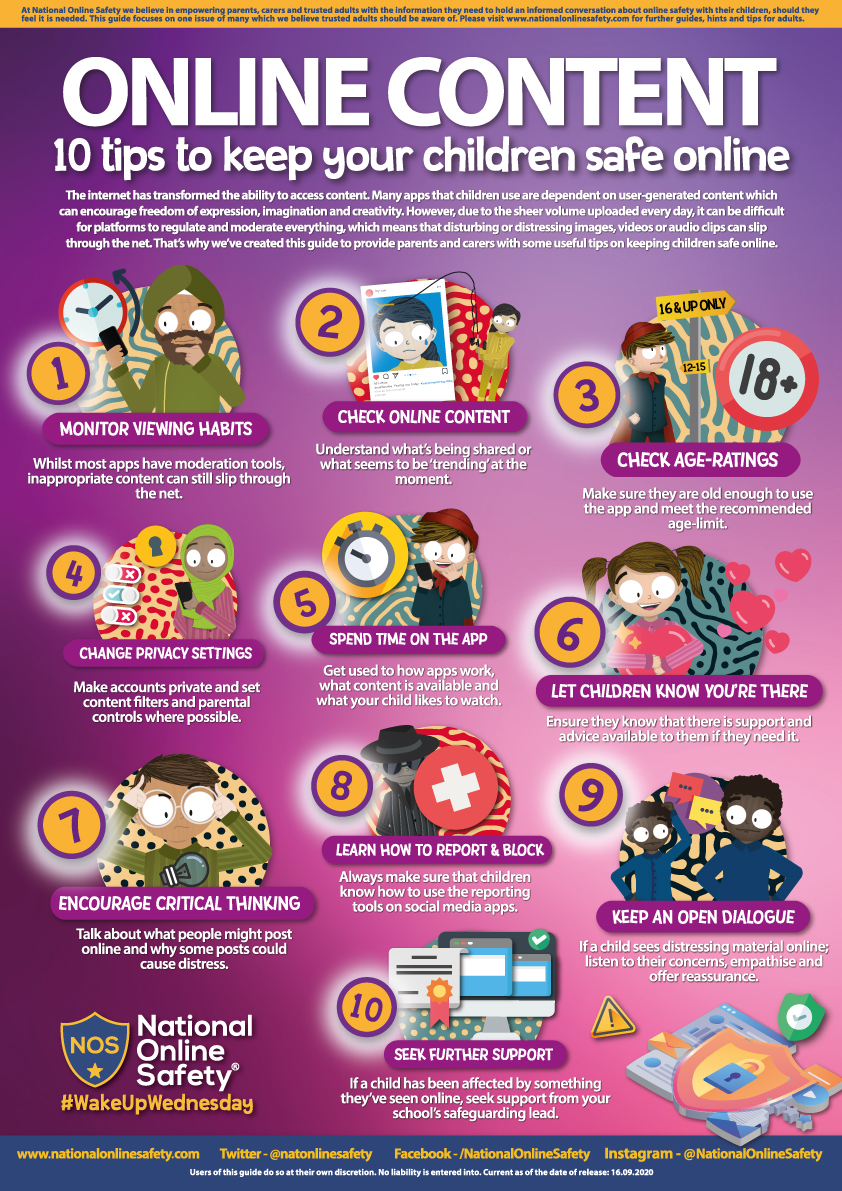
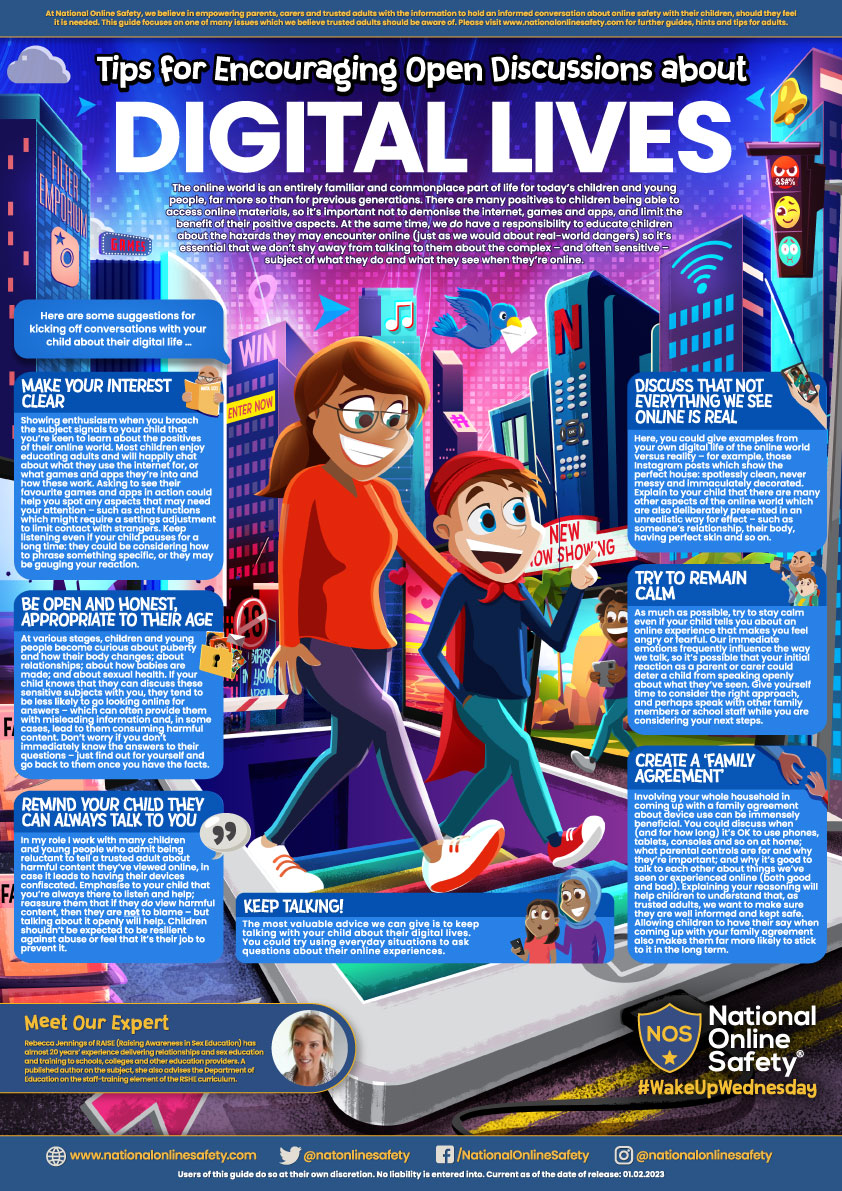
Conversations about staying safe online
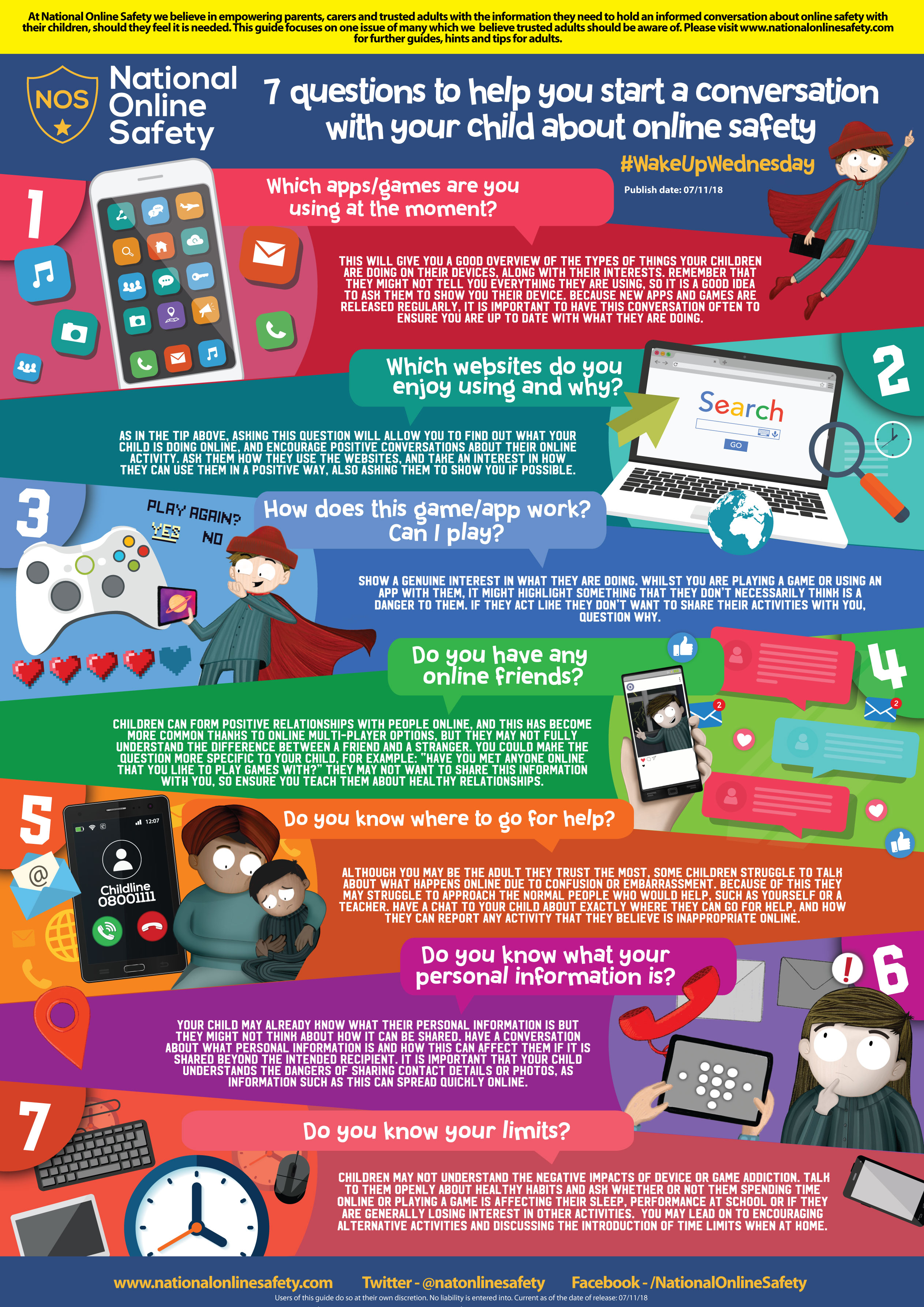
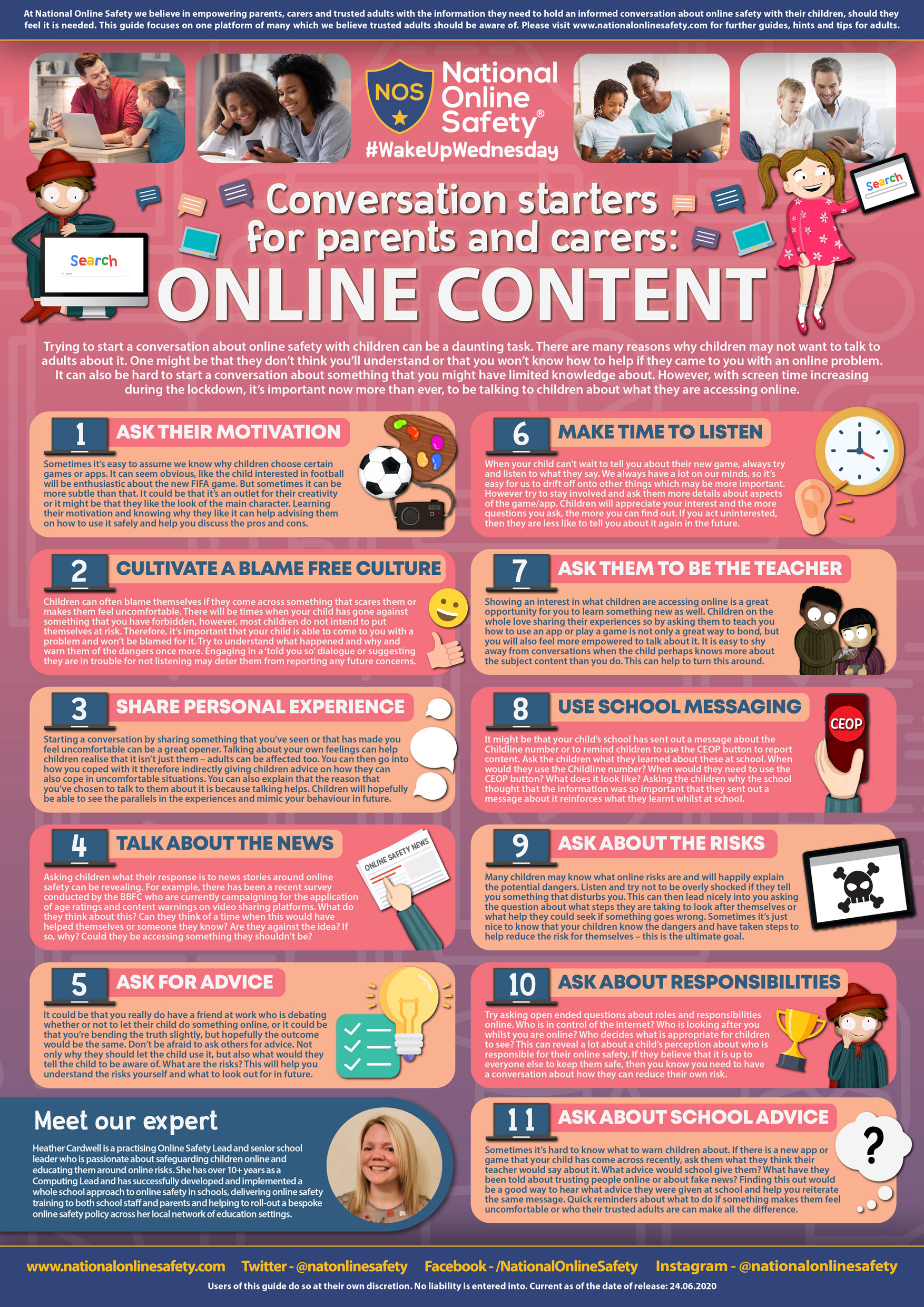
Android and IpHones
Mental Health - Online
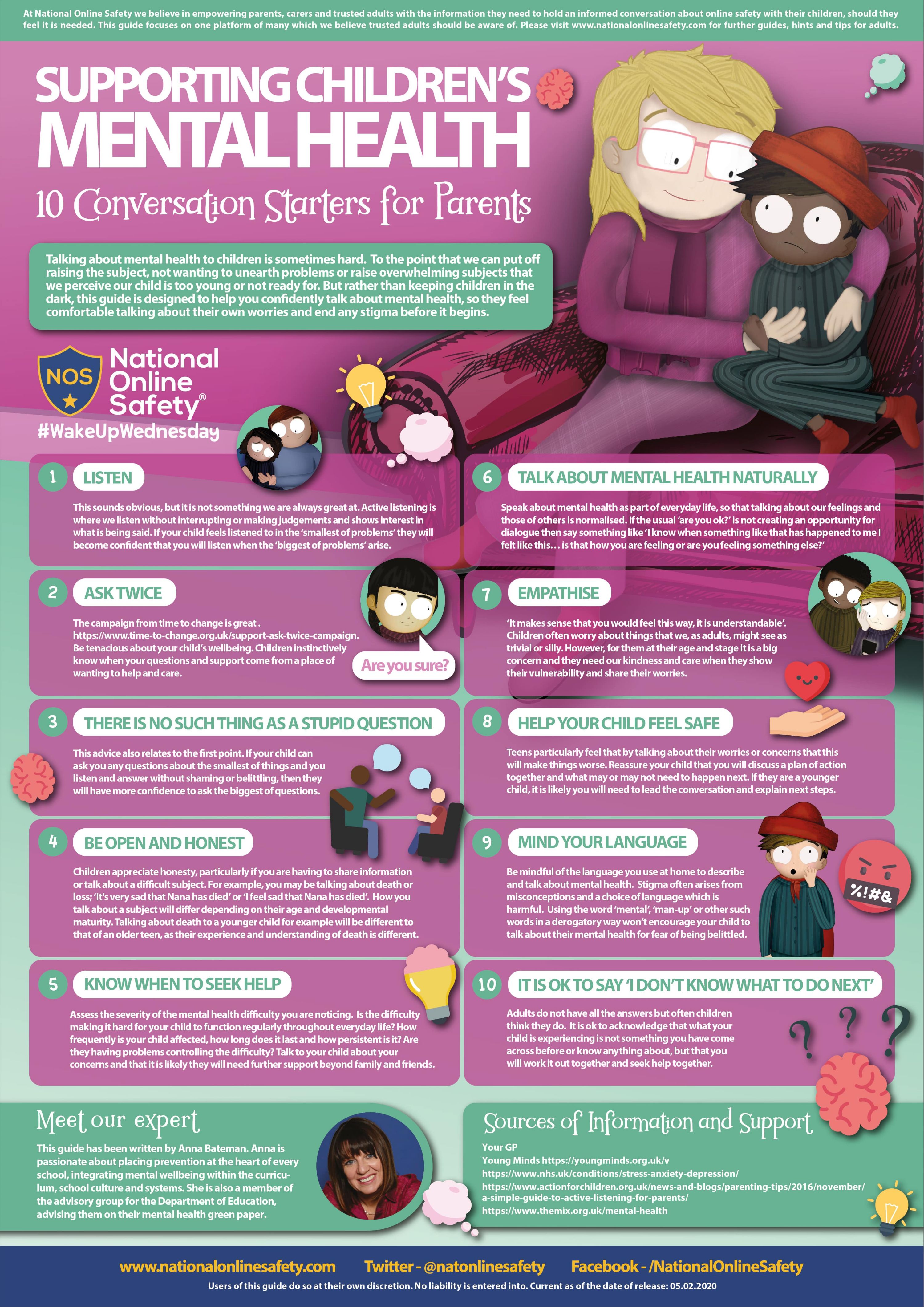
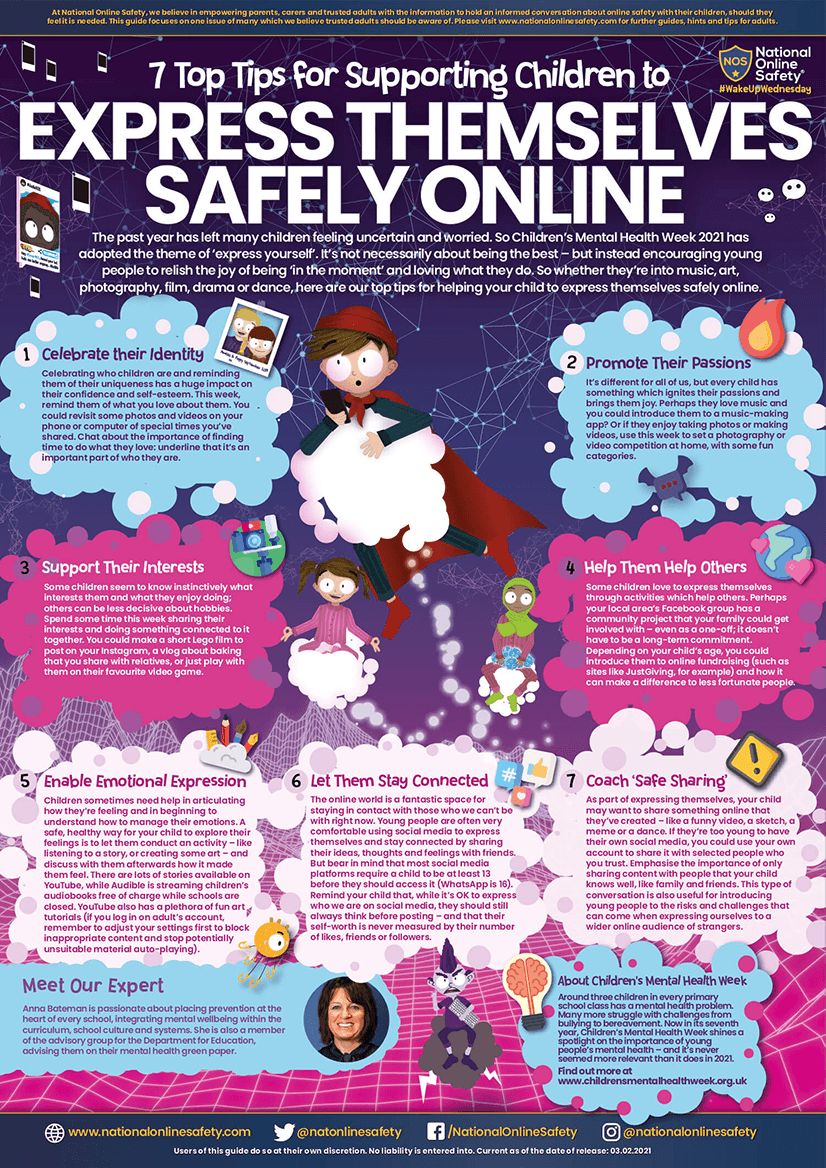
General Online Safety
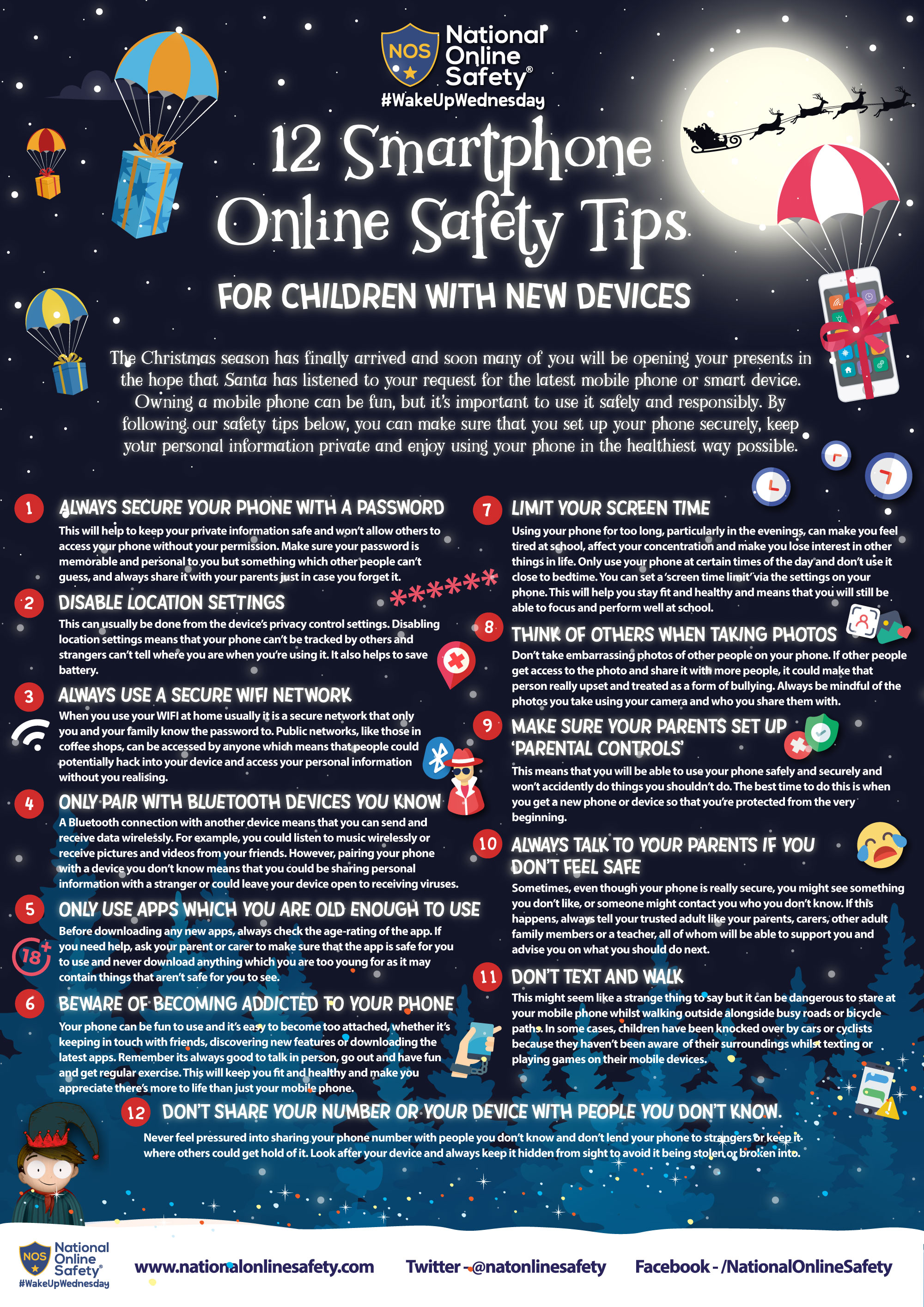
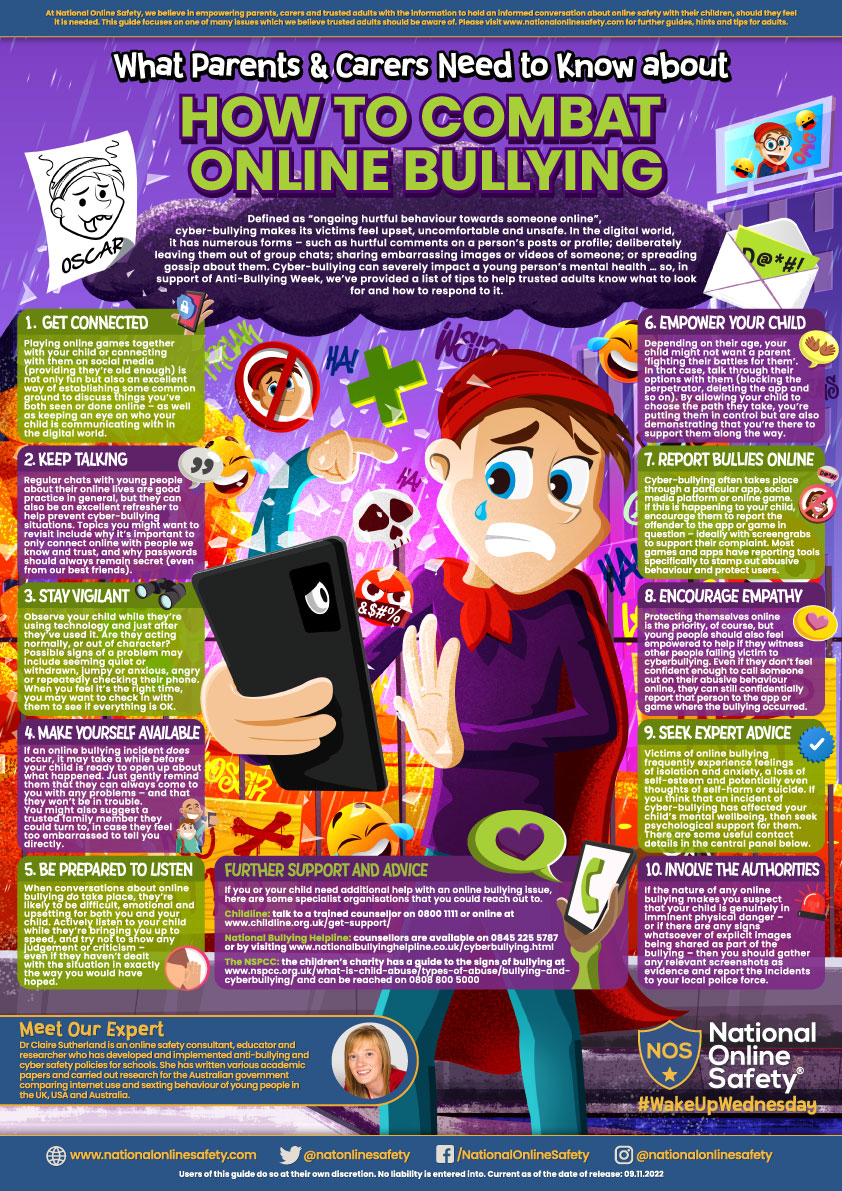
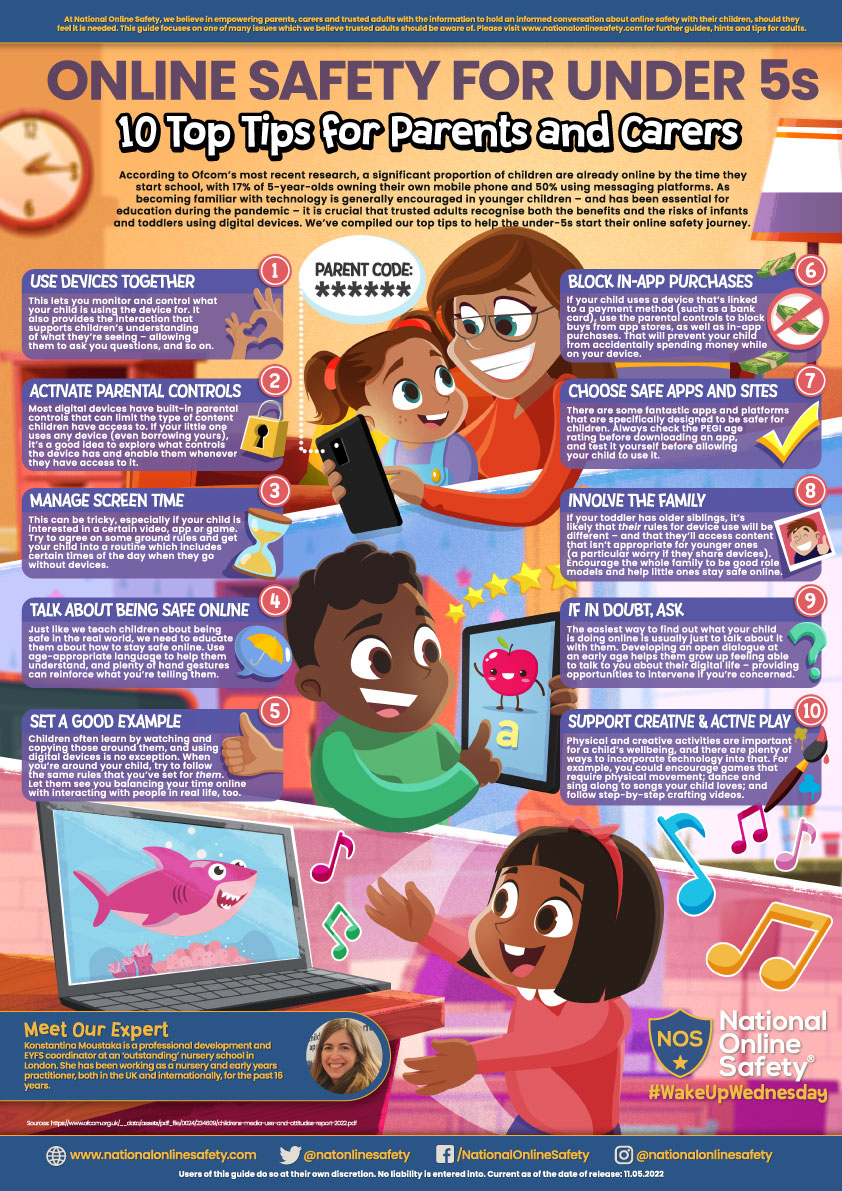
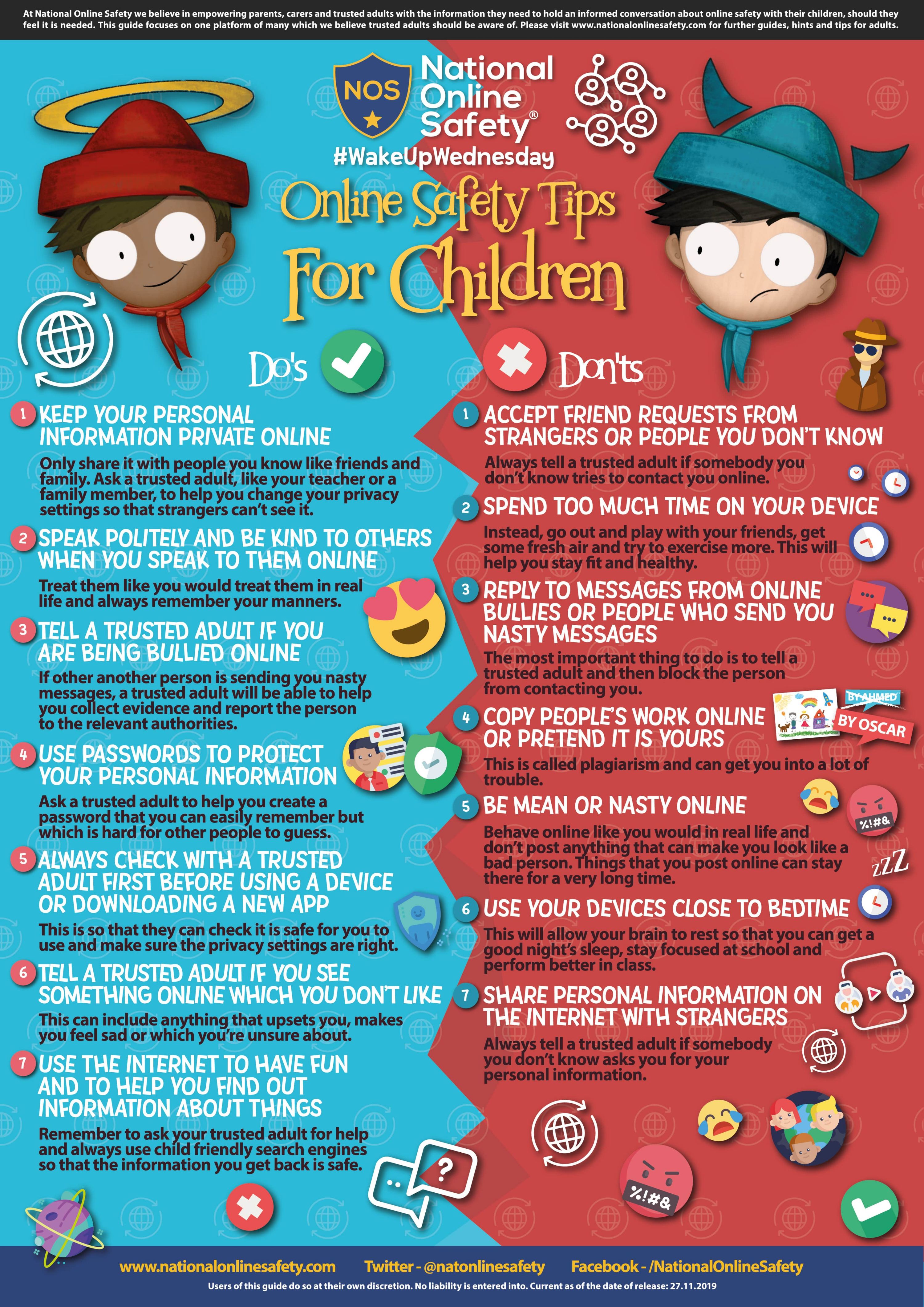
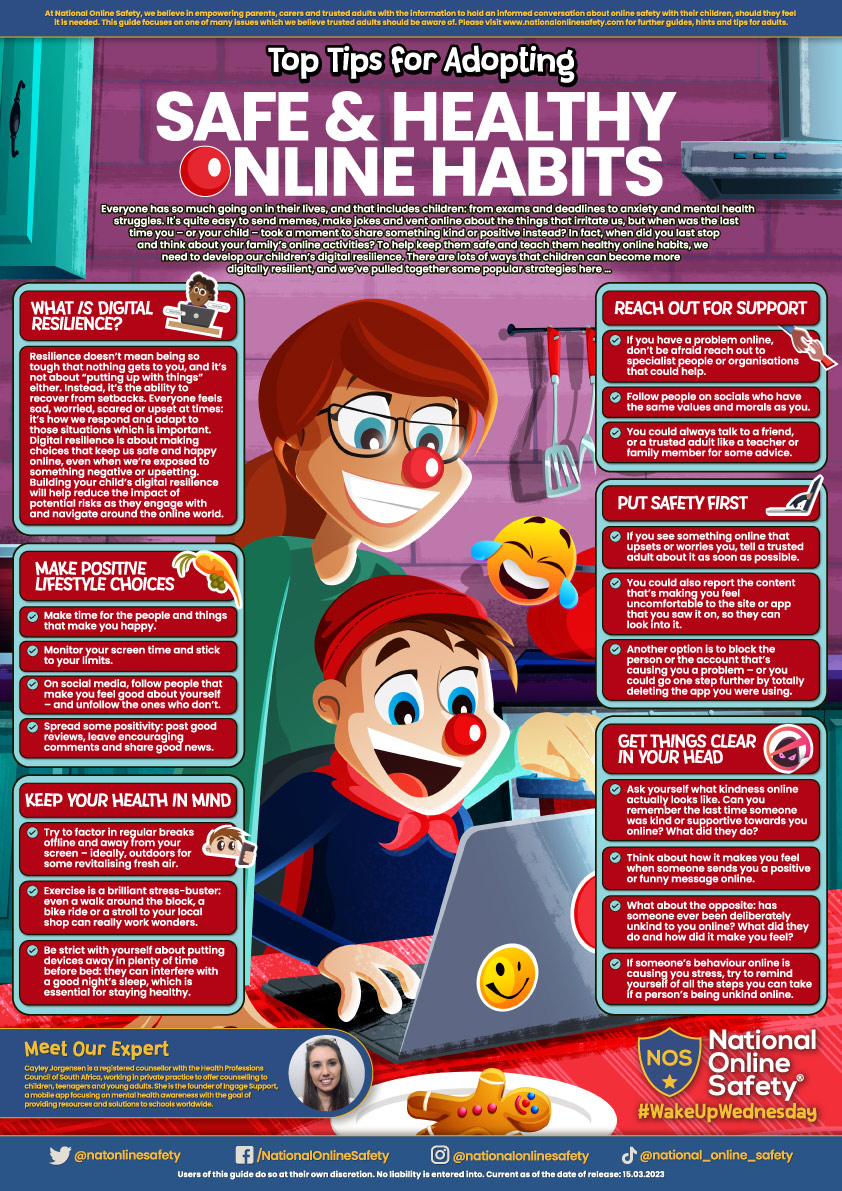
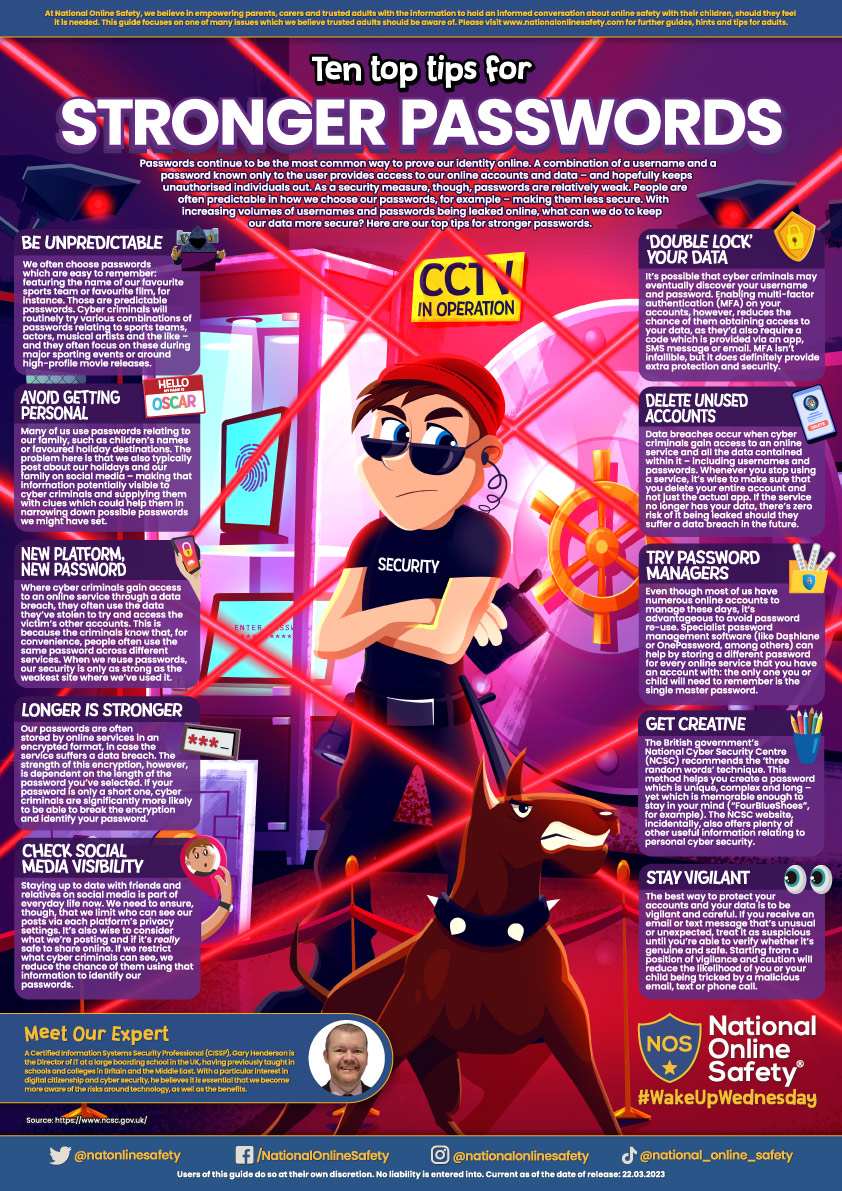
What Parents need to know about...
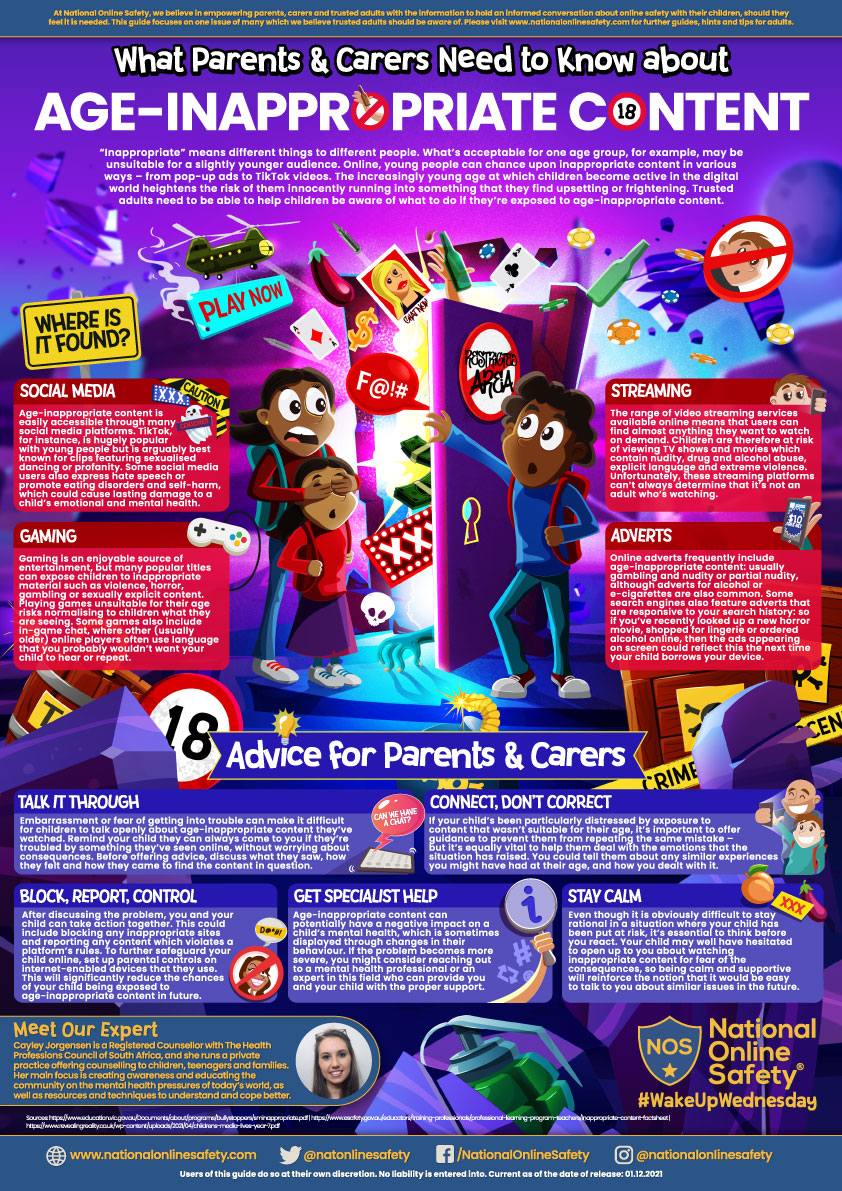
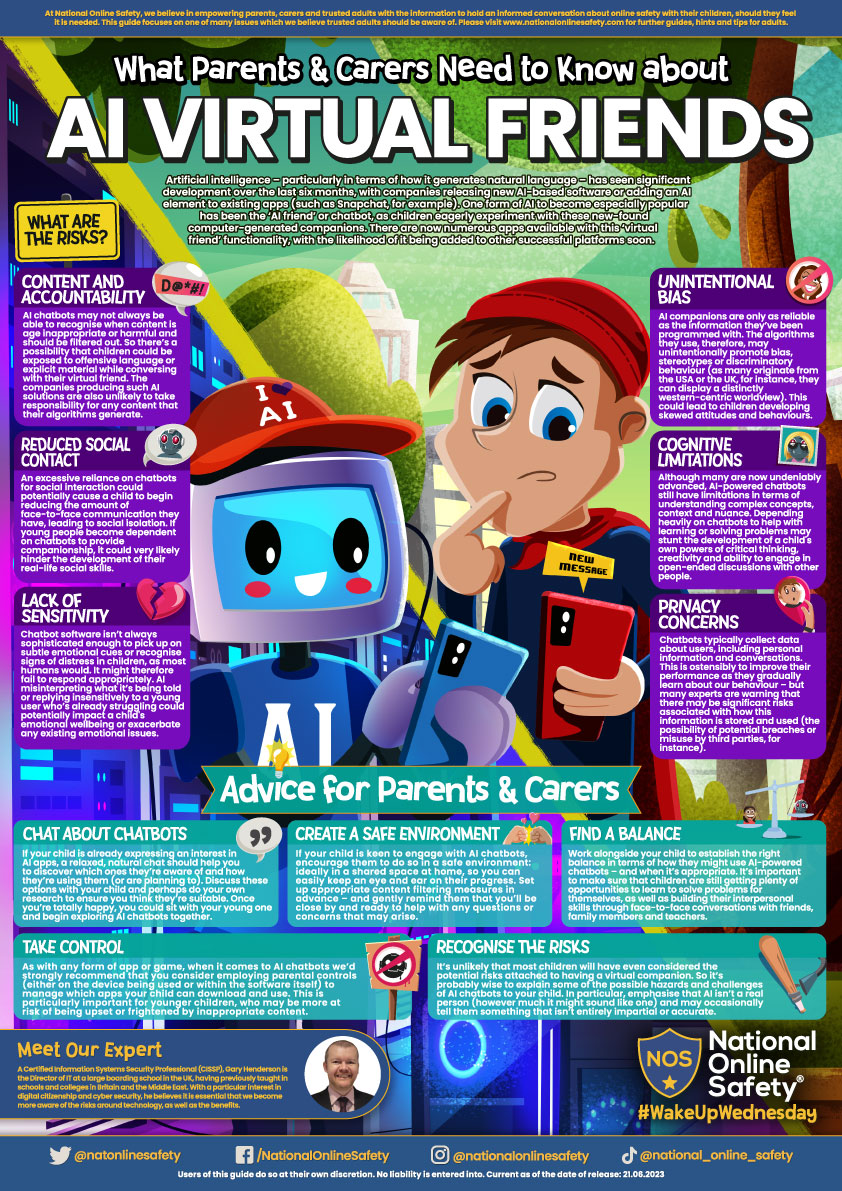
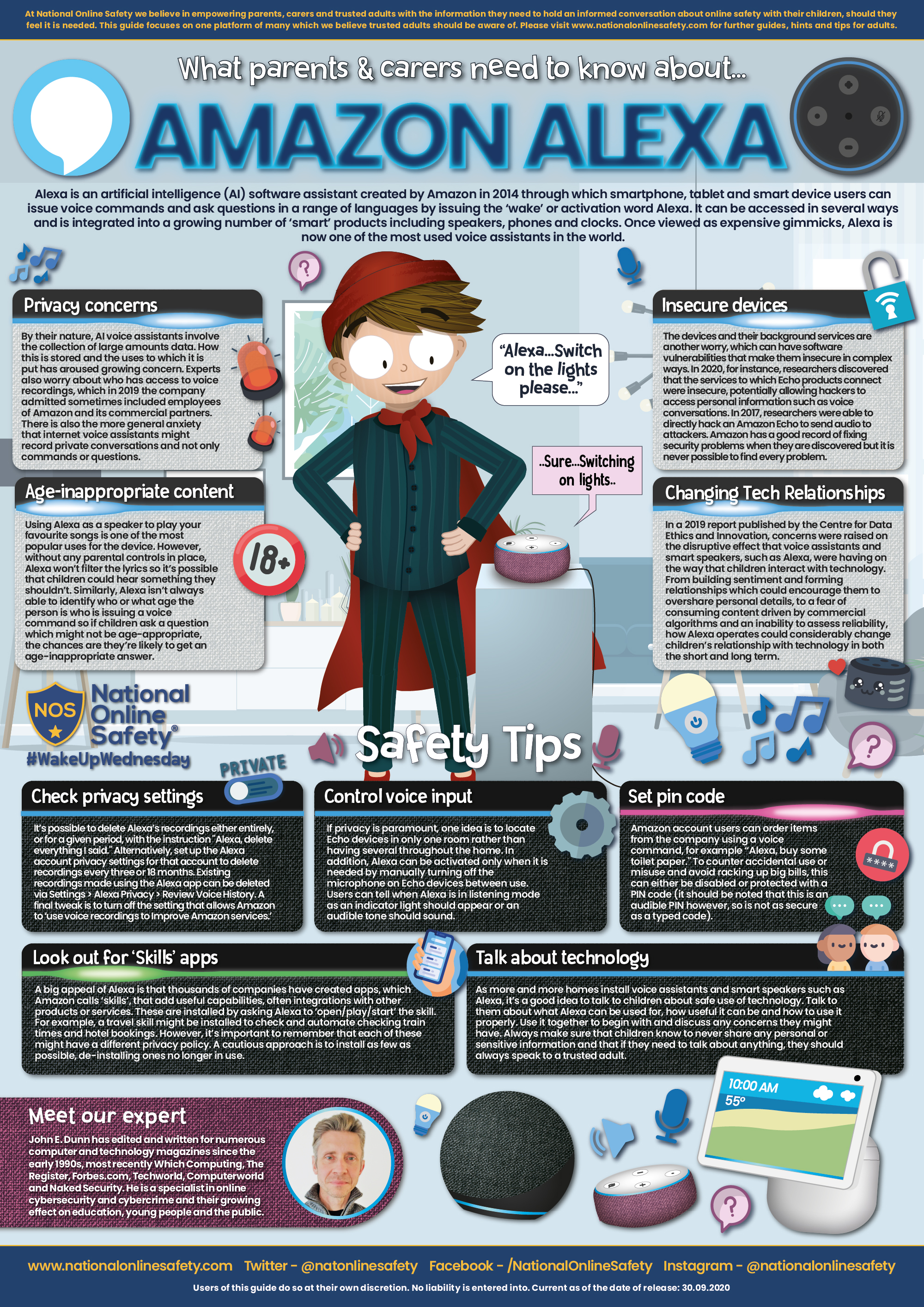
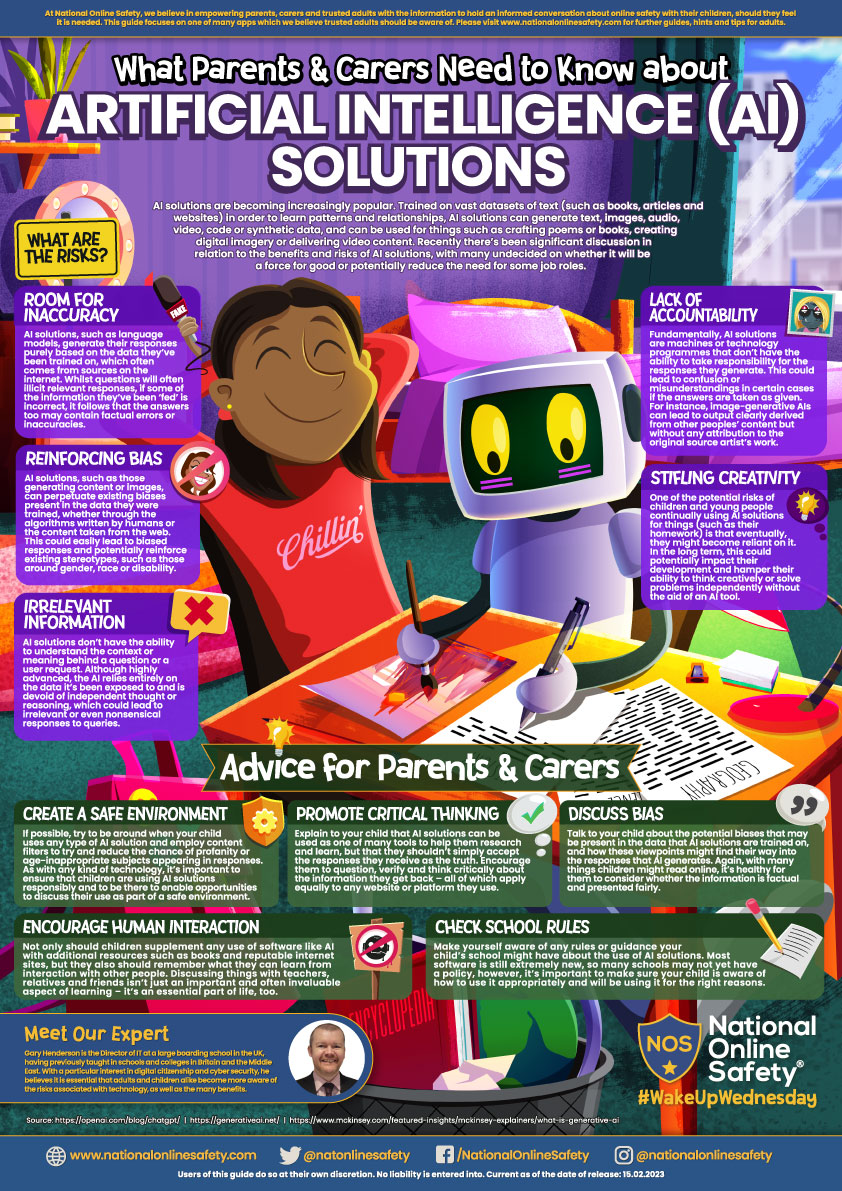
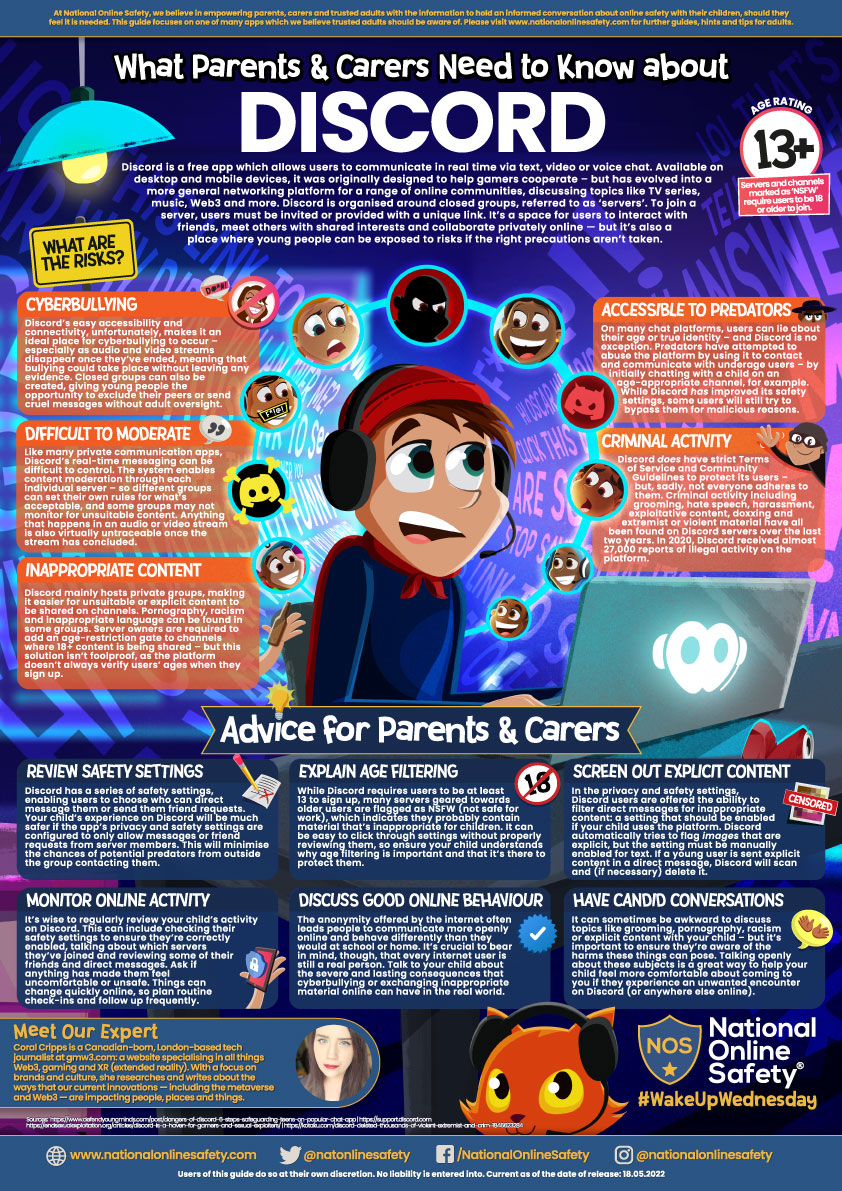
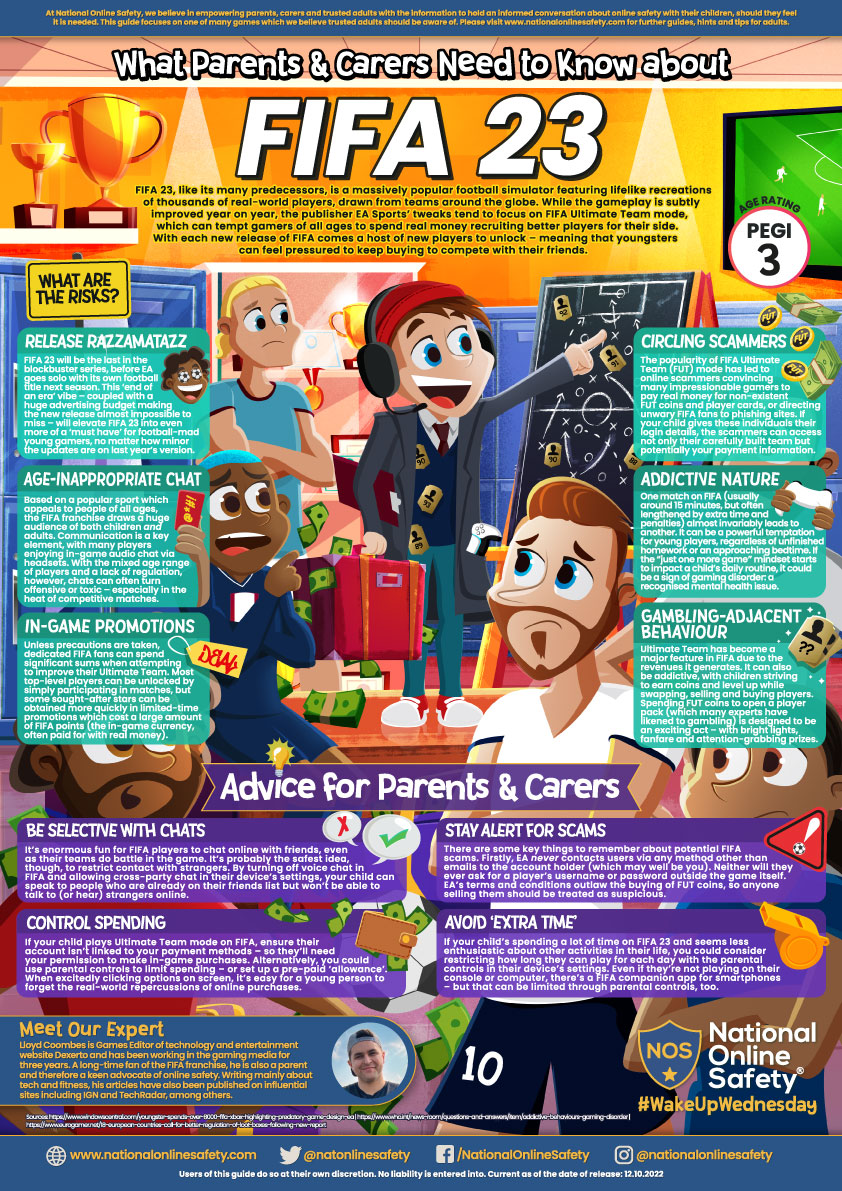
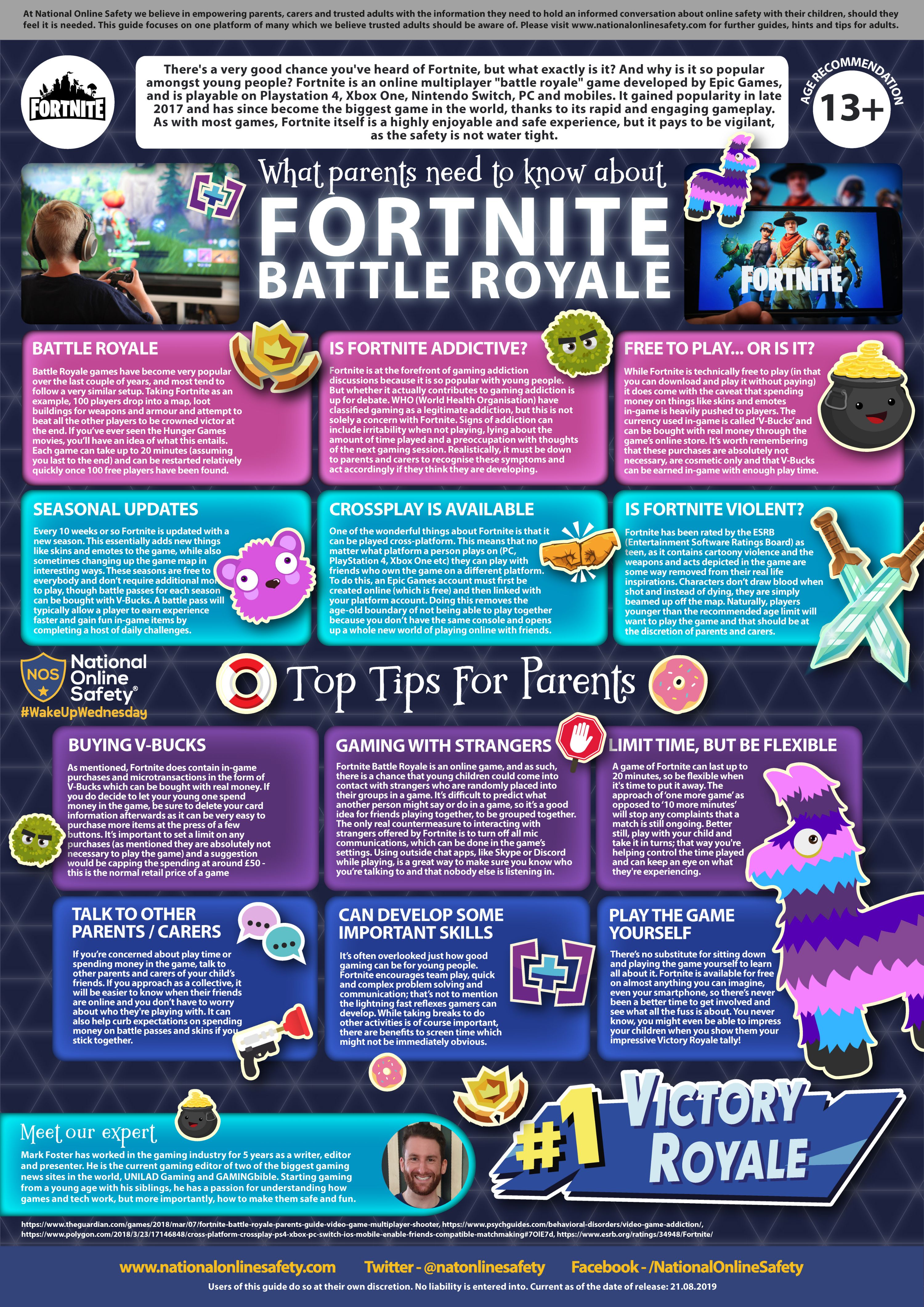
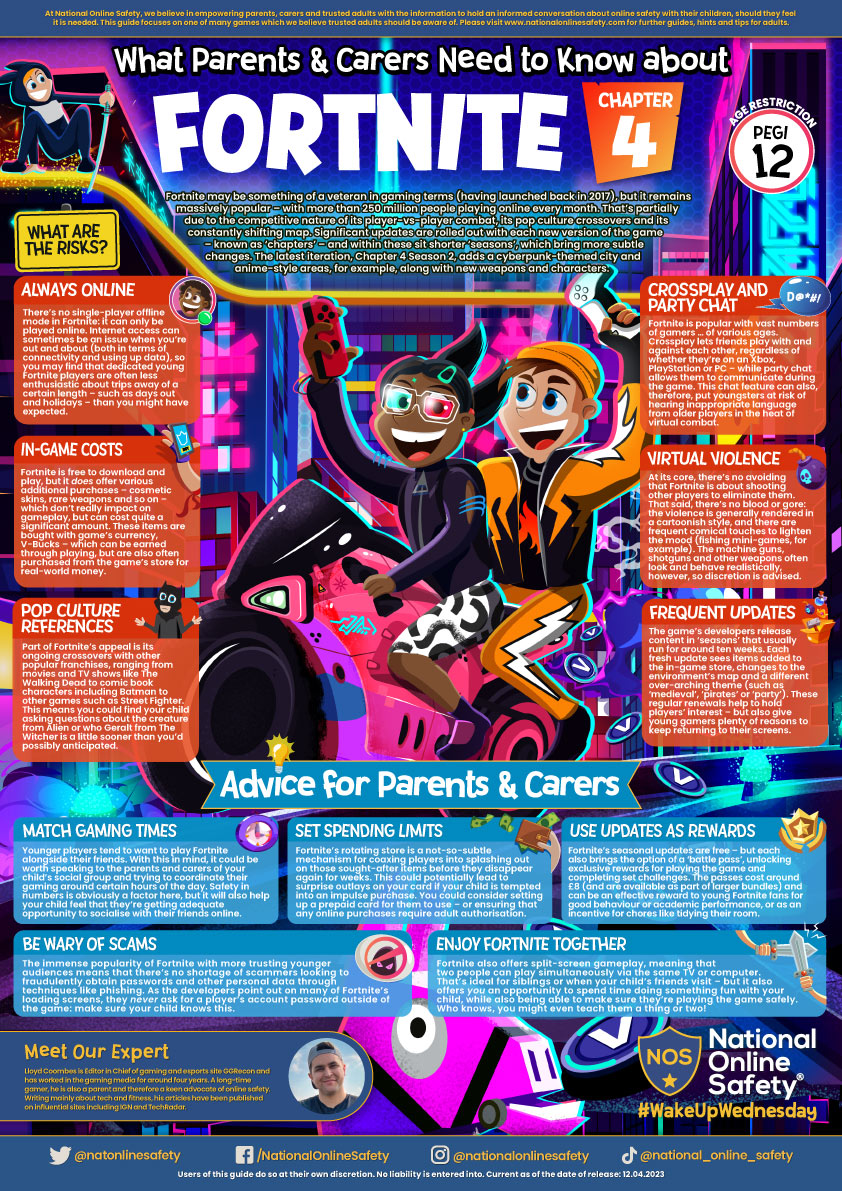
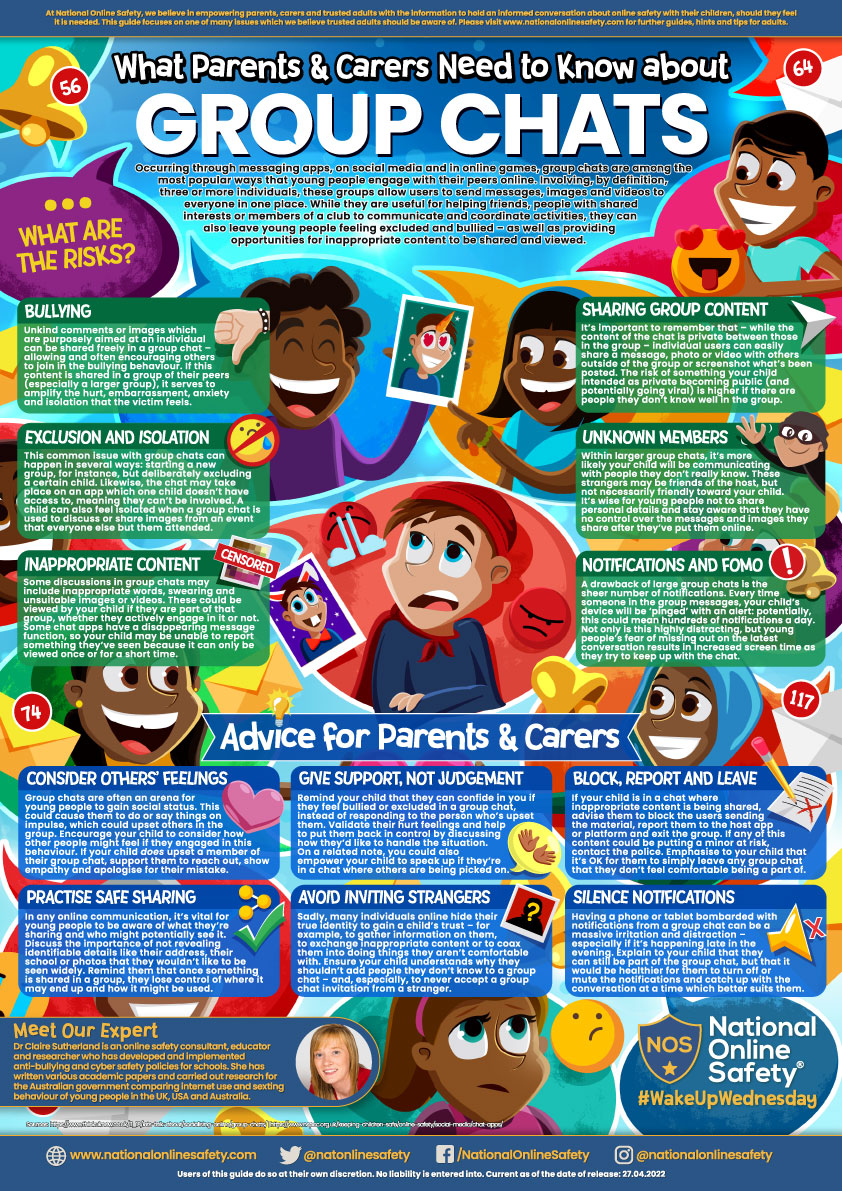

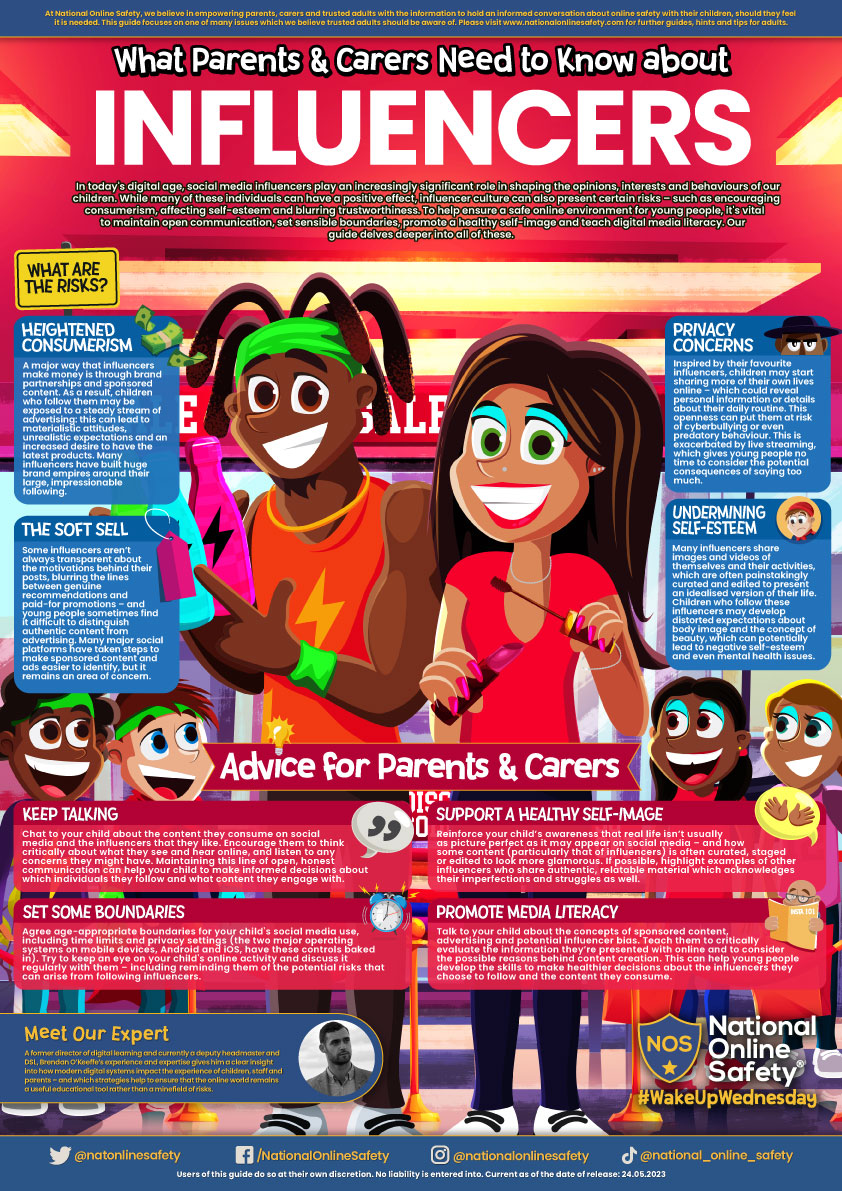
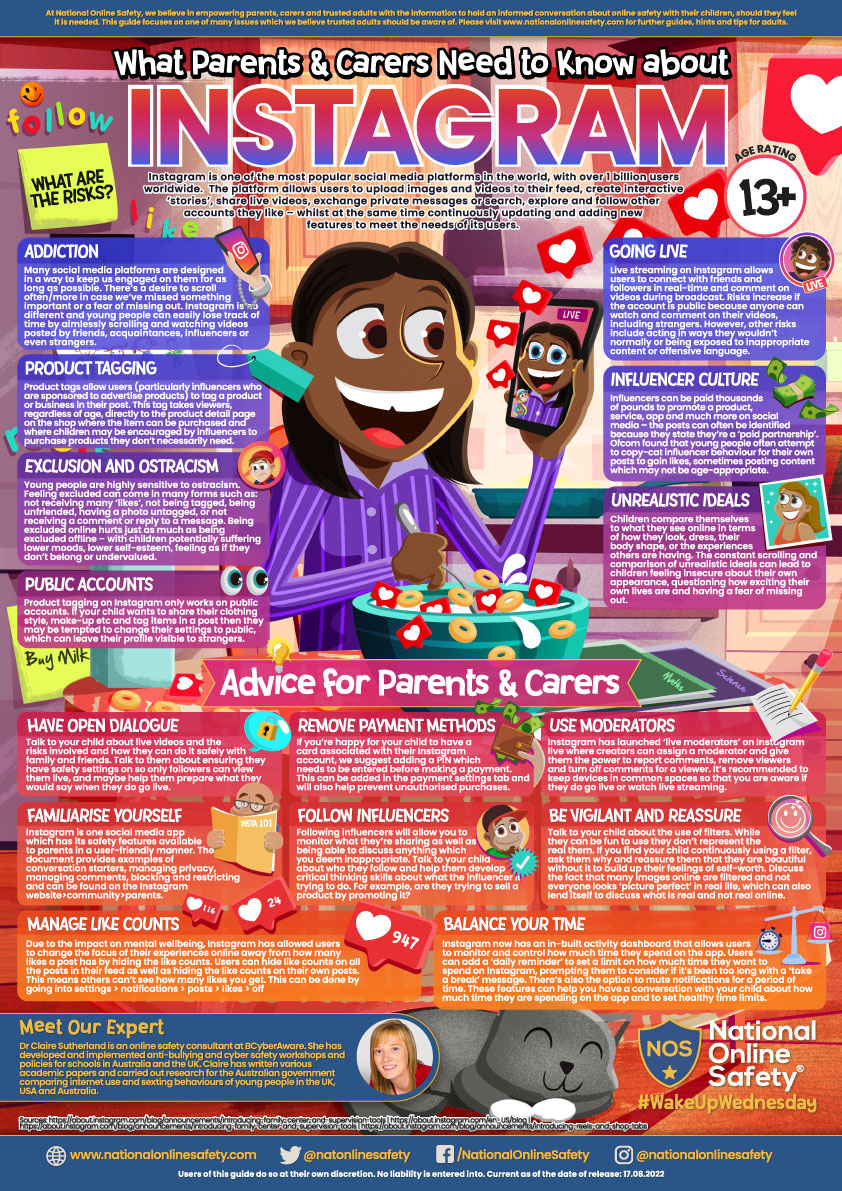
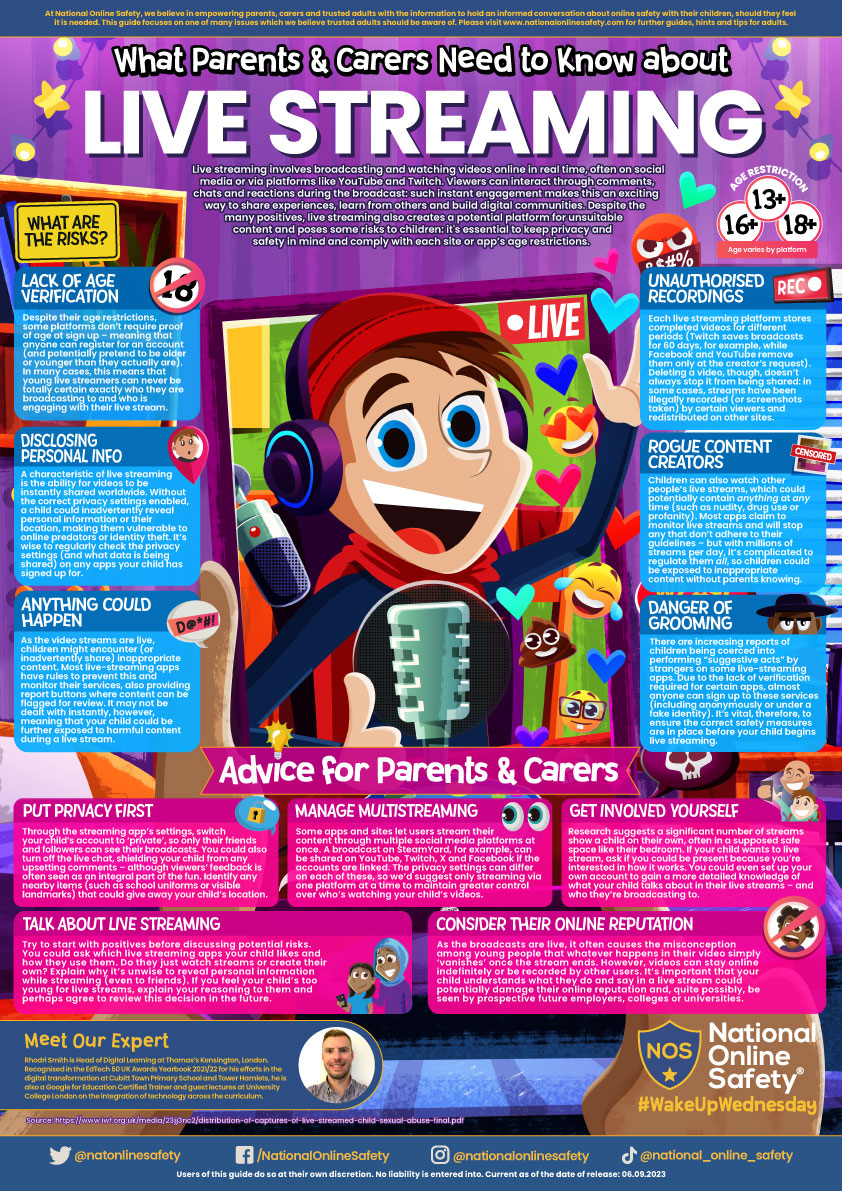
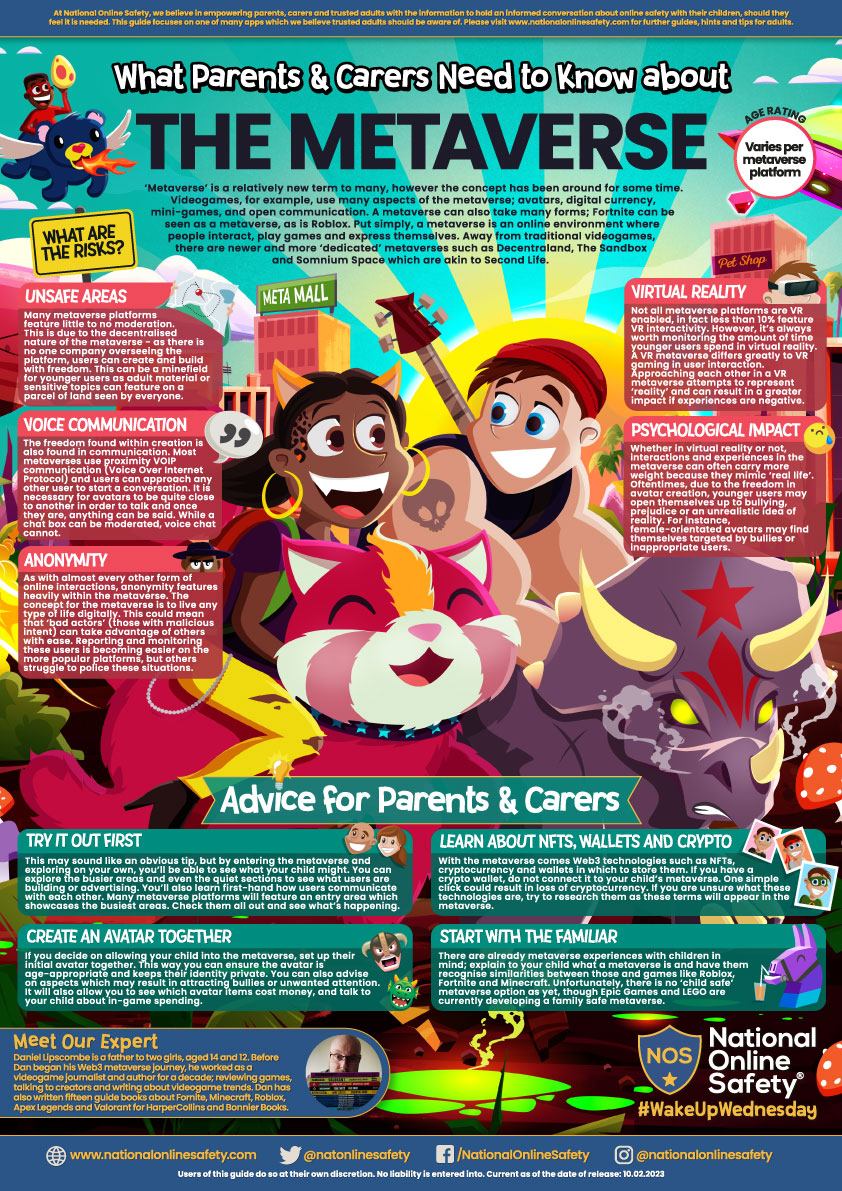
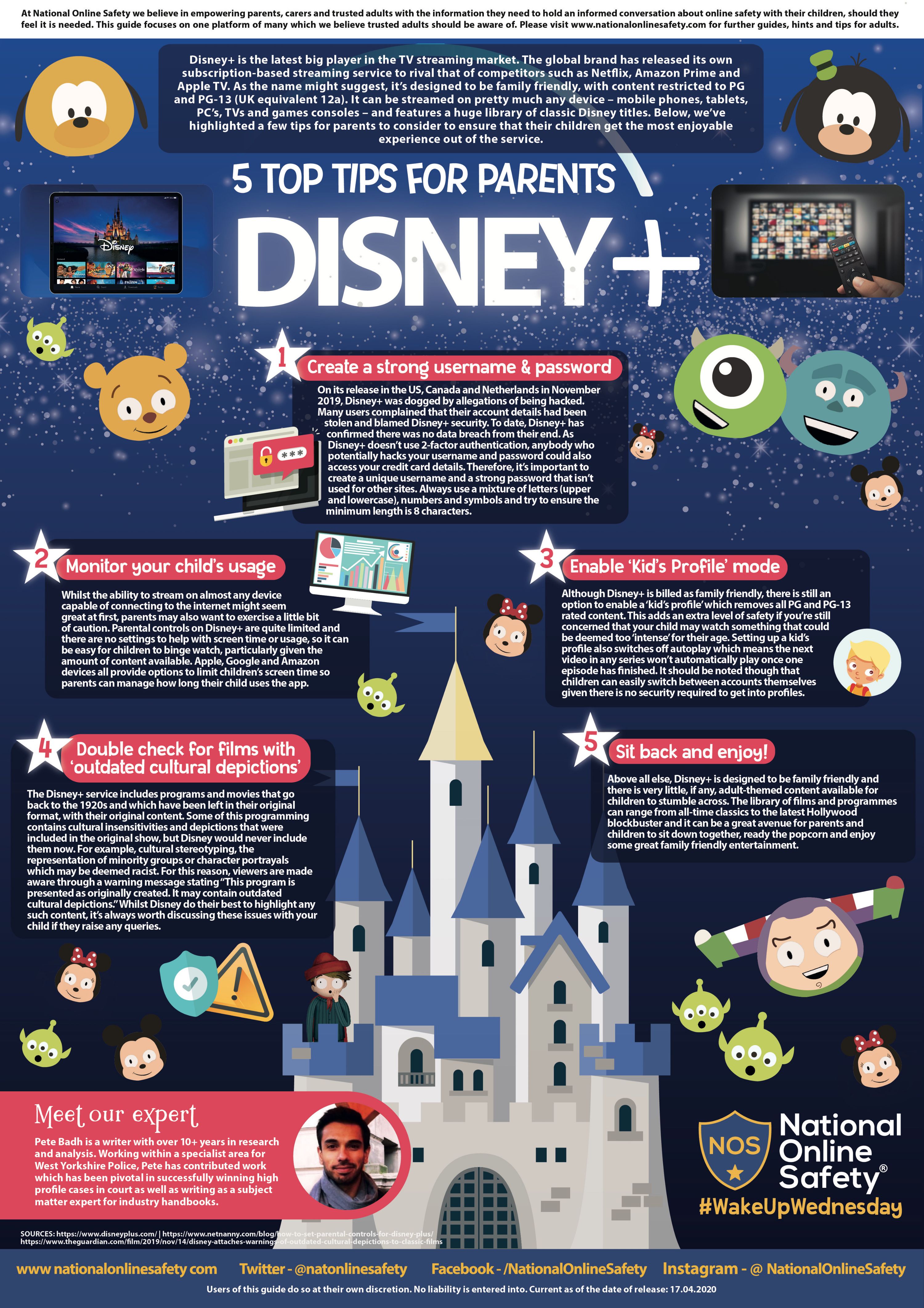
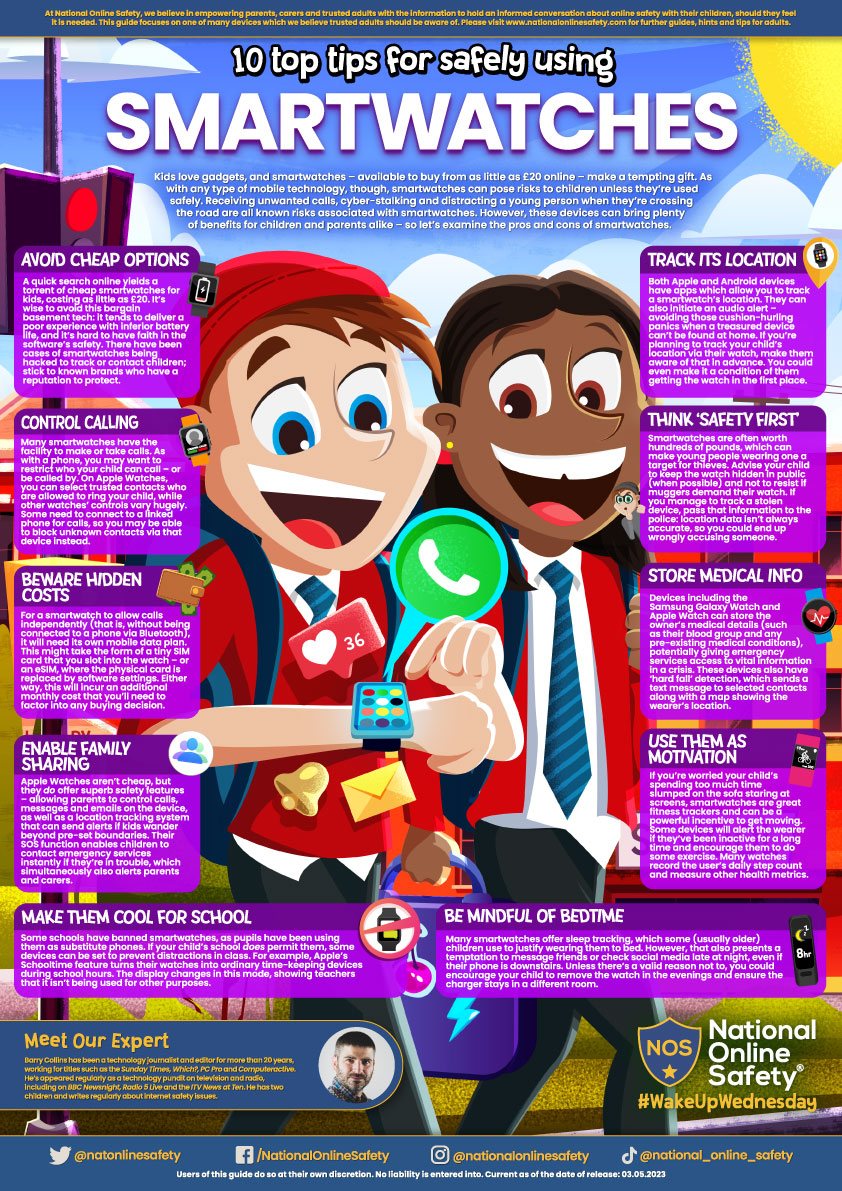
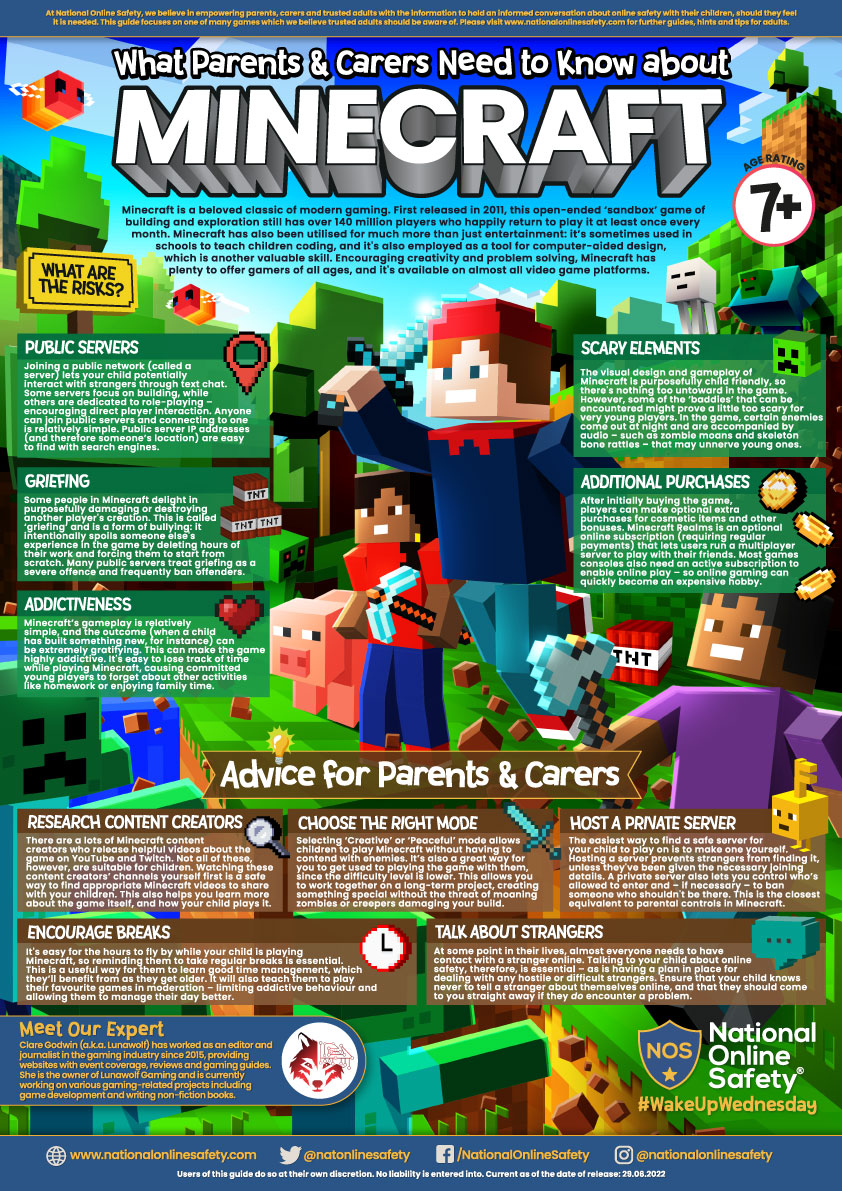
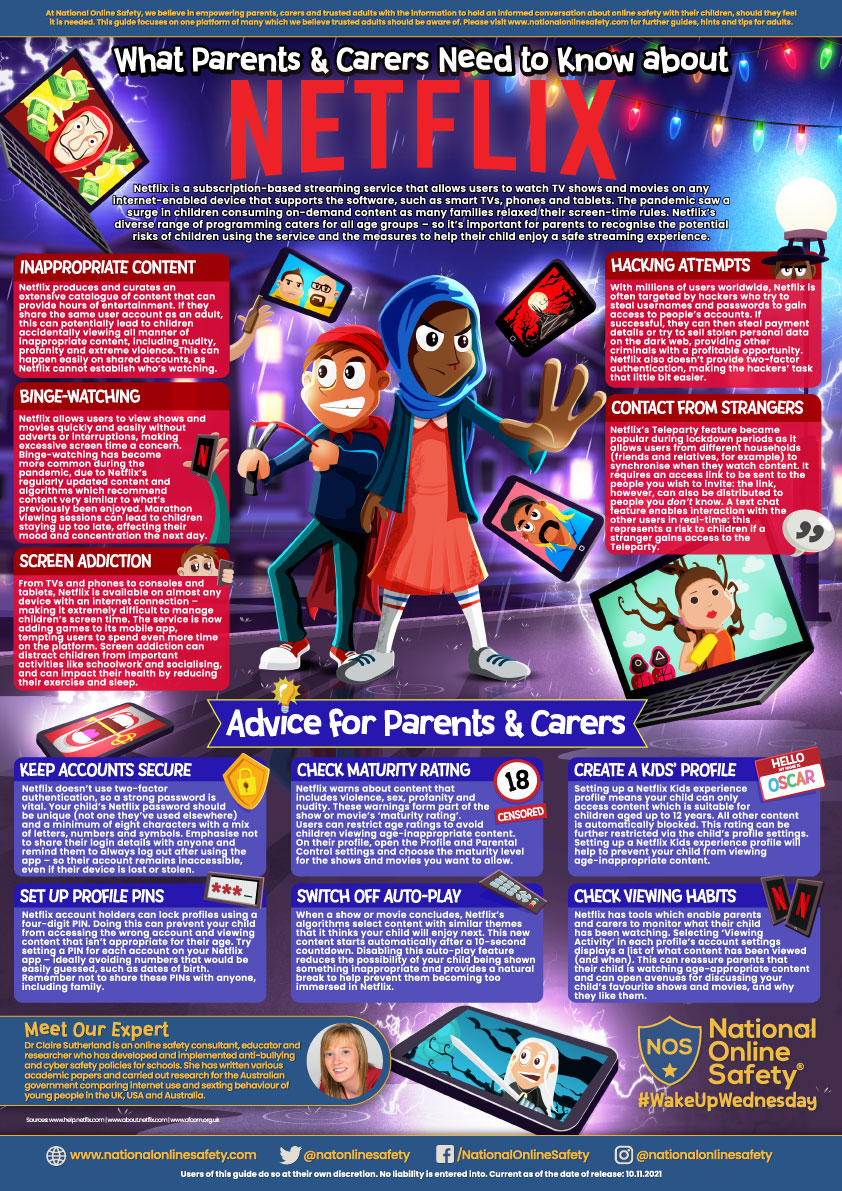
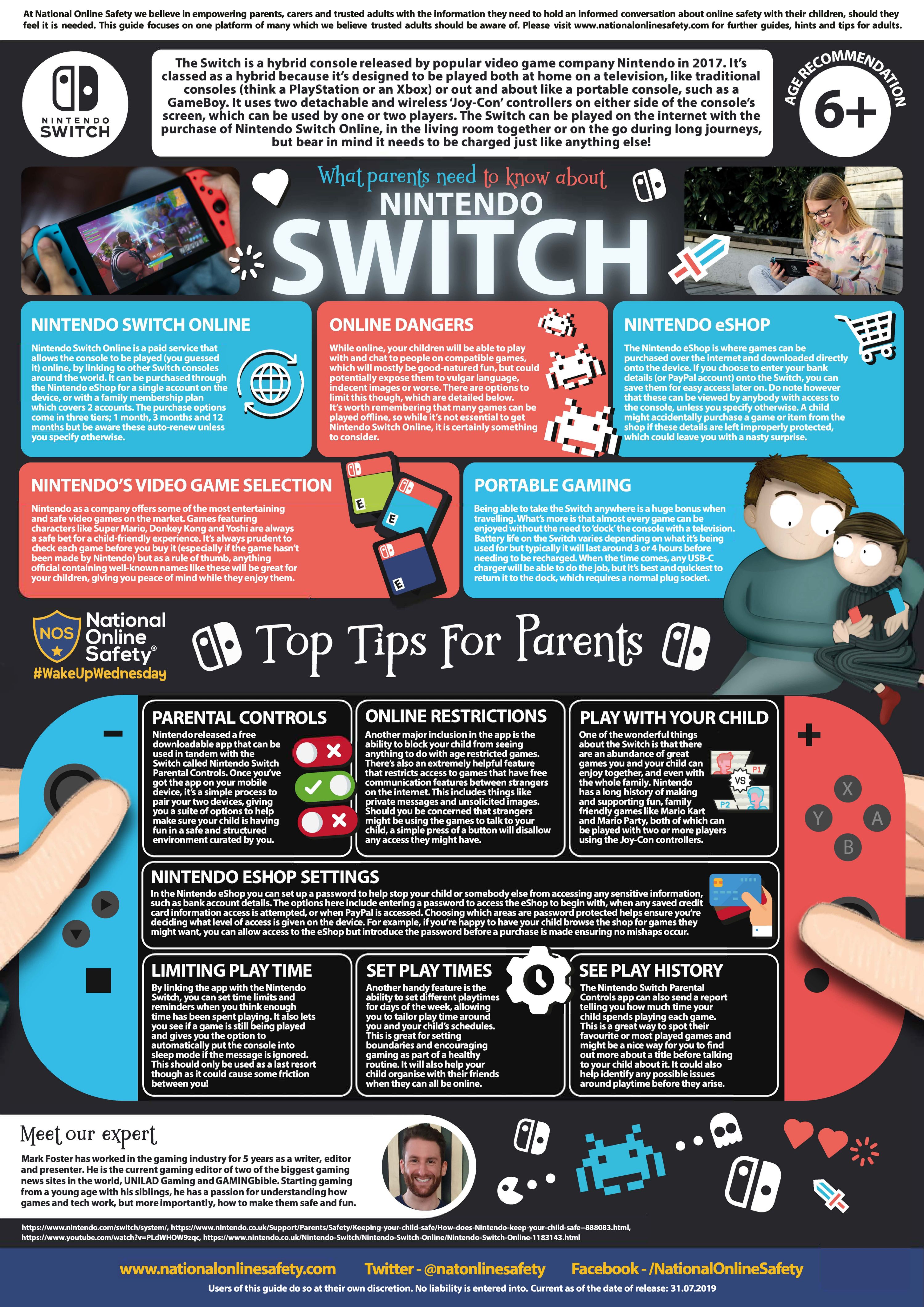
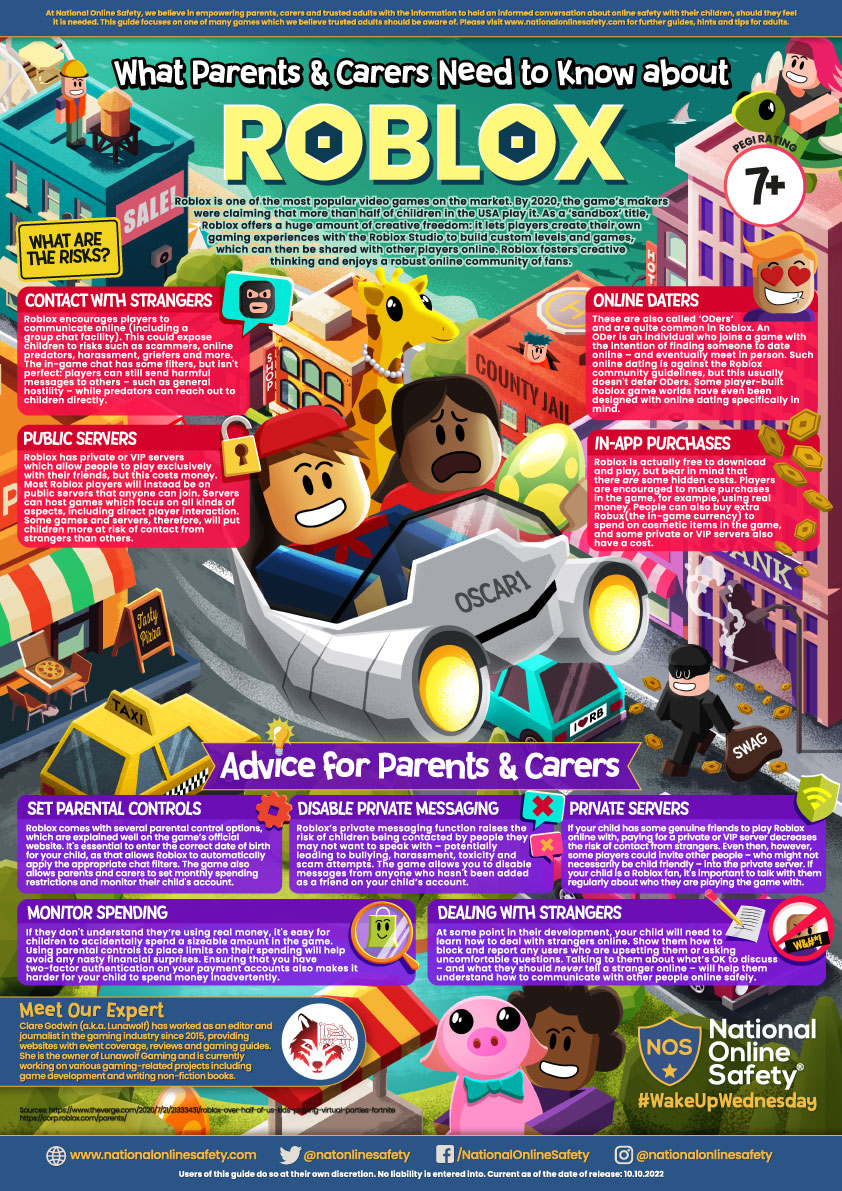
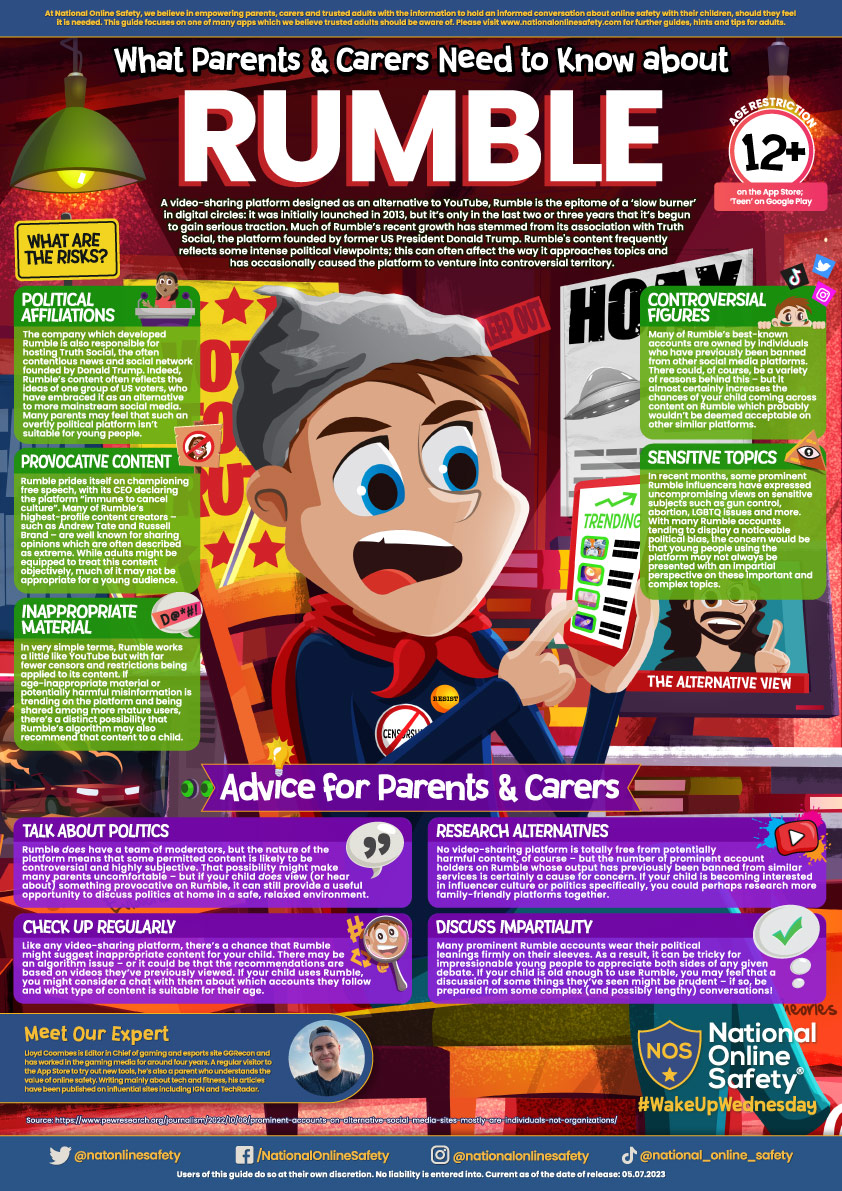
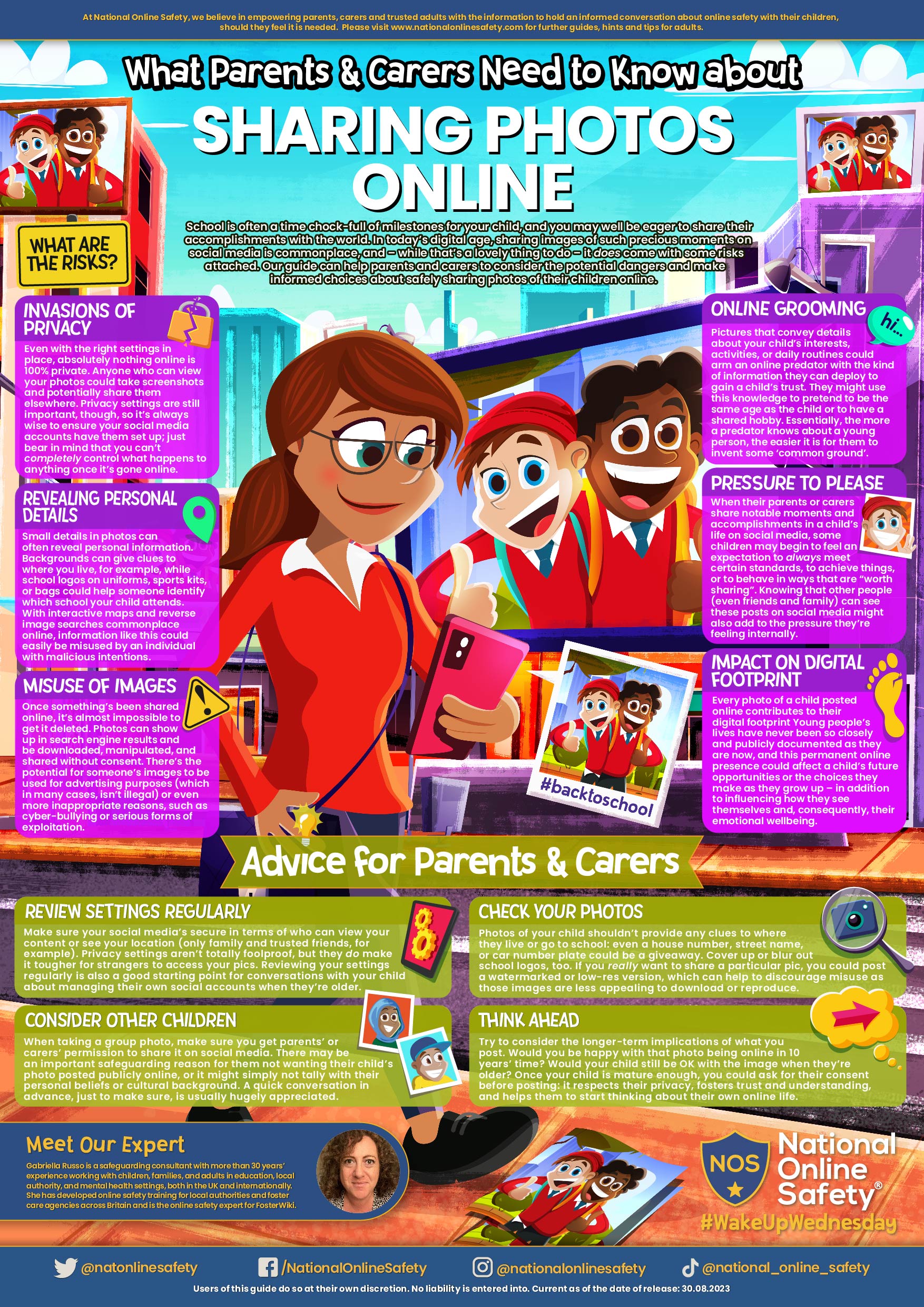
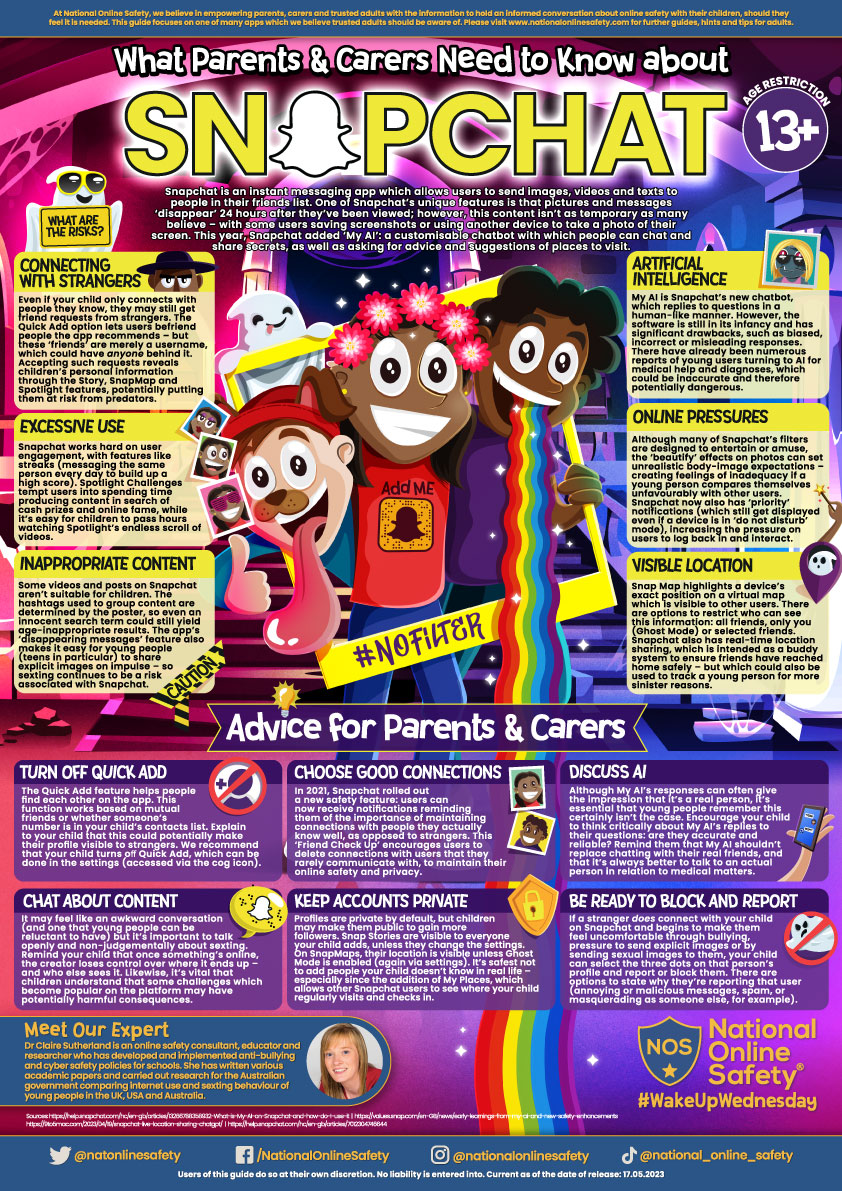

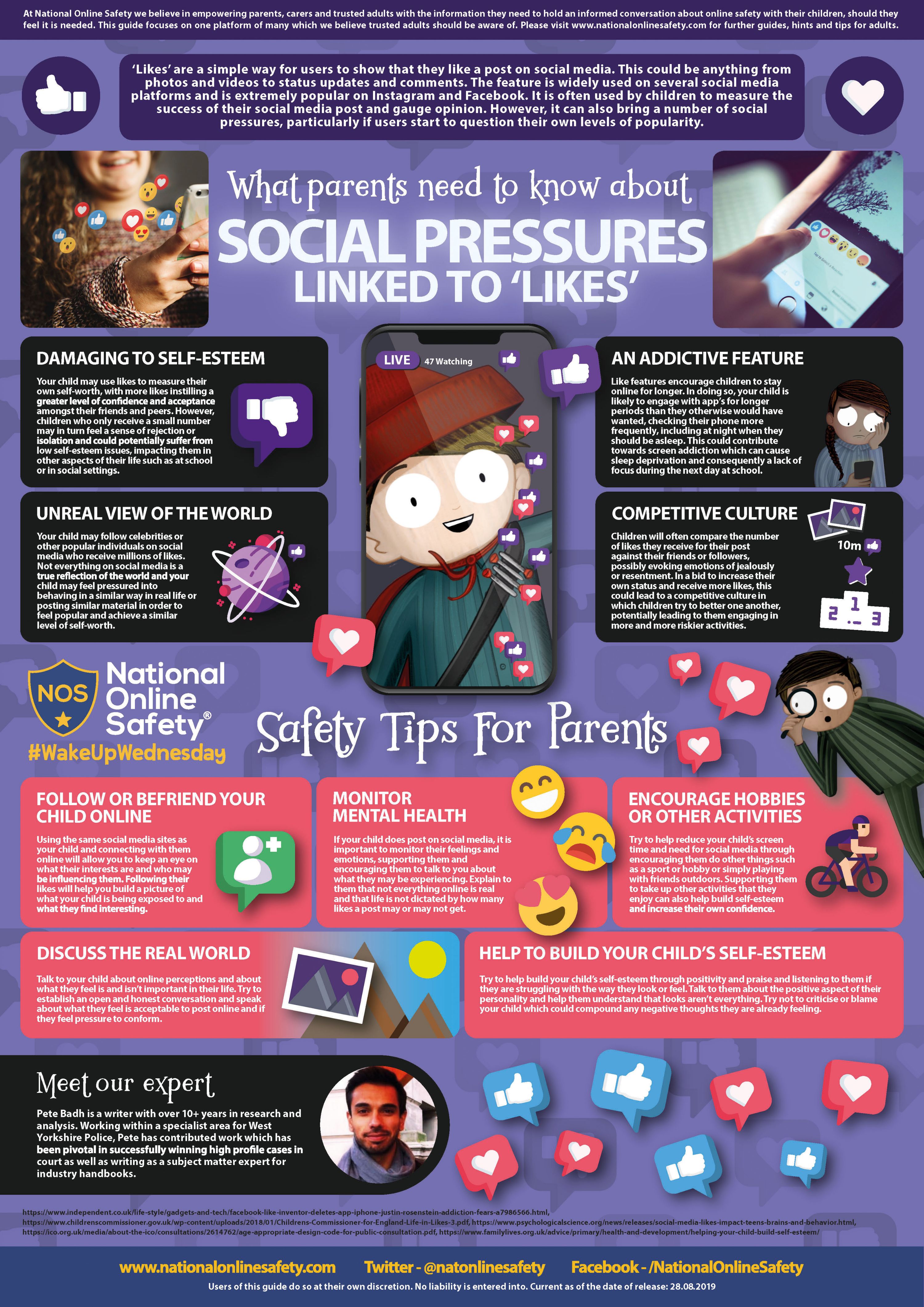
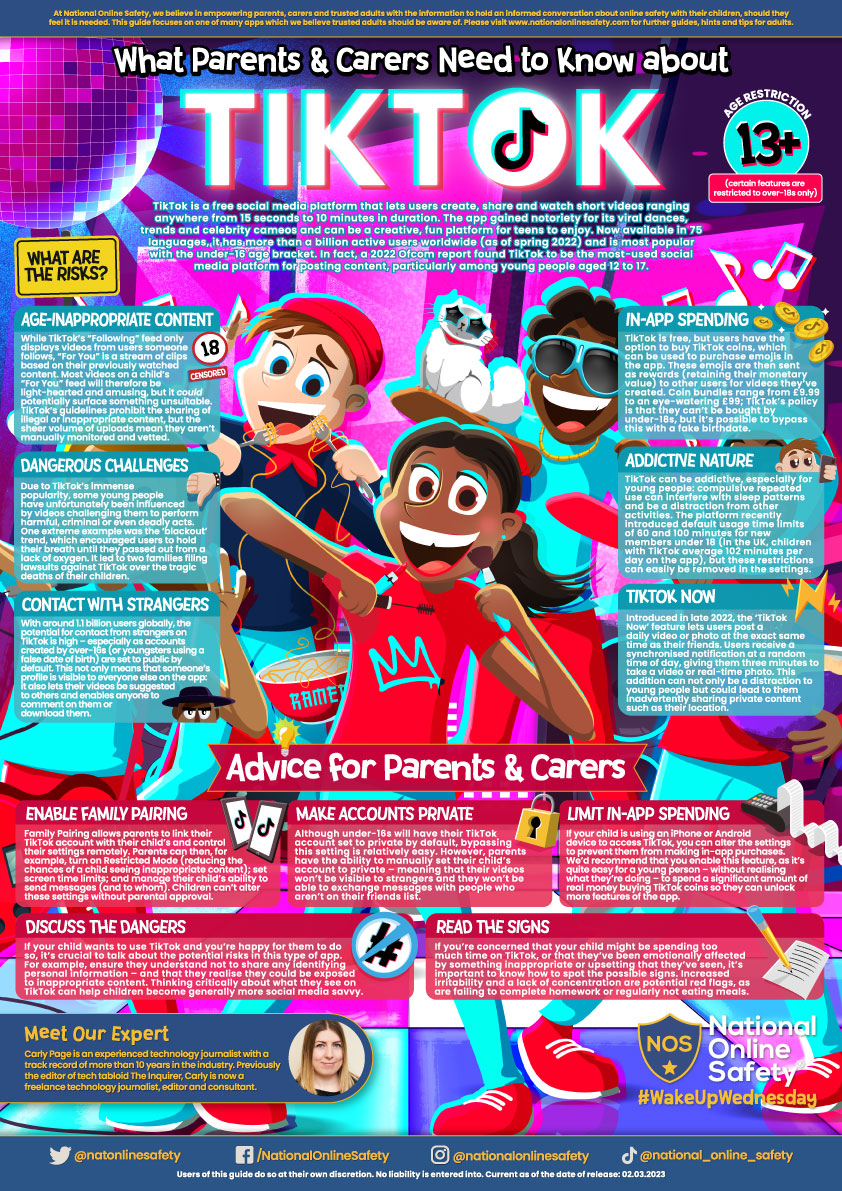
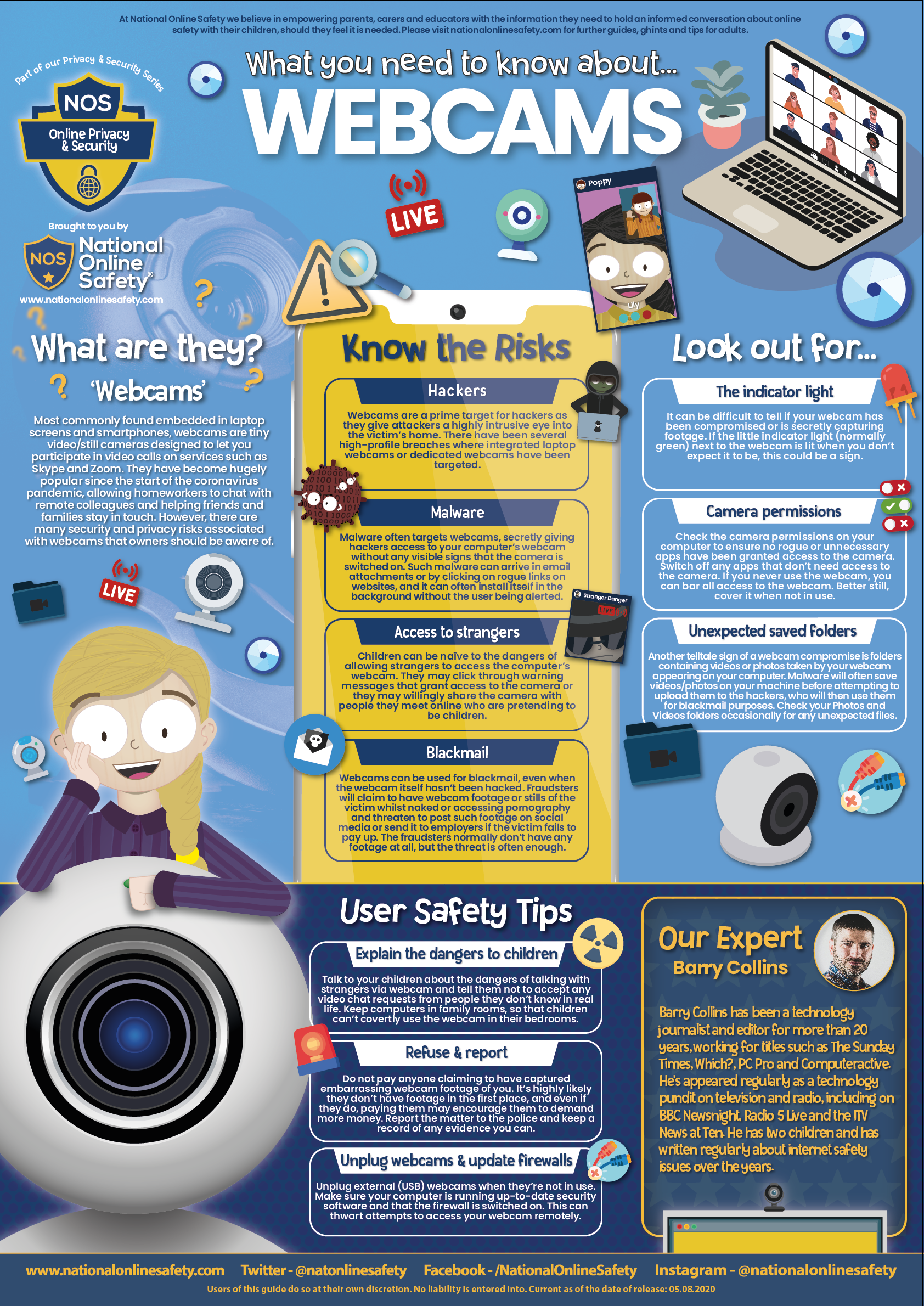
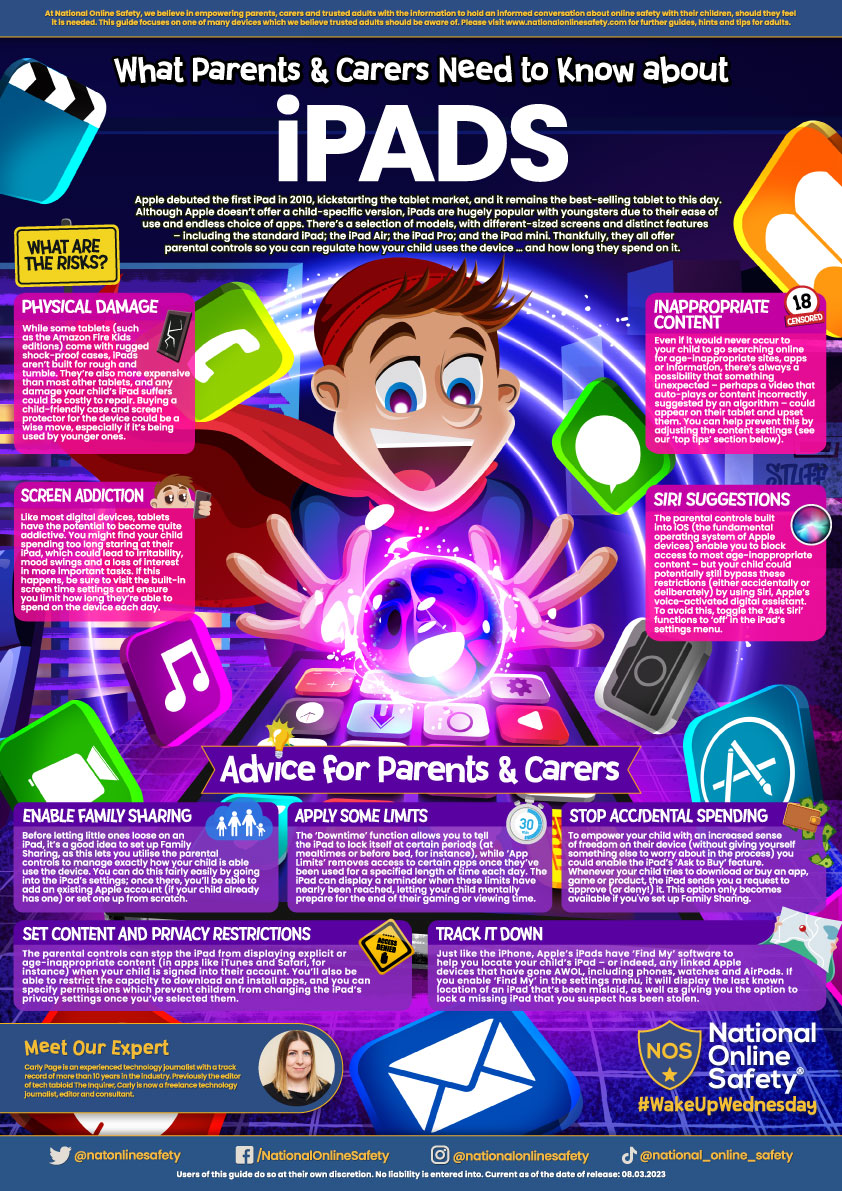
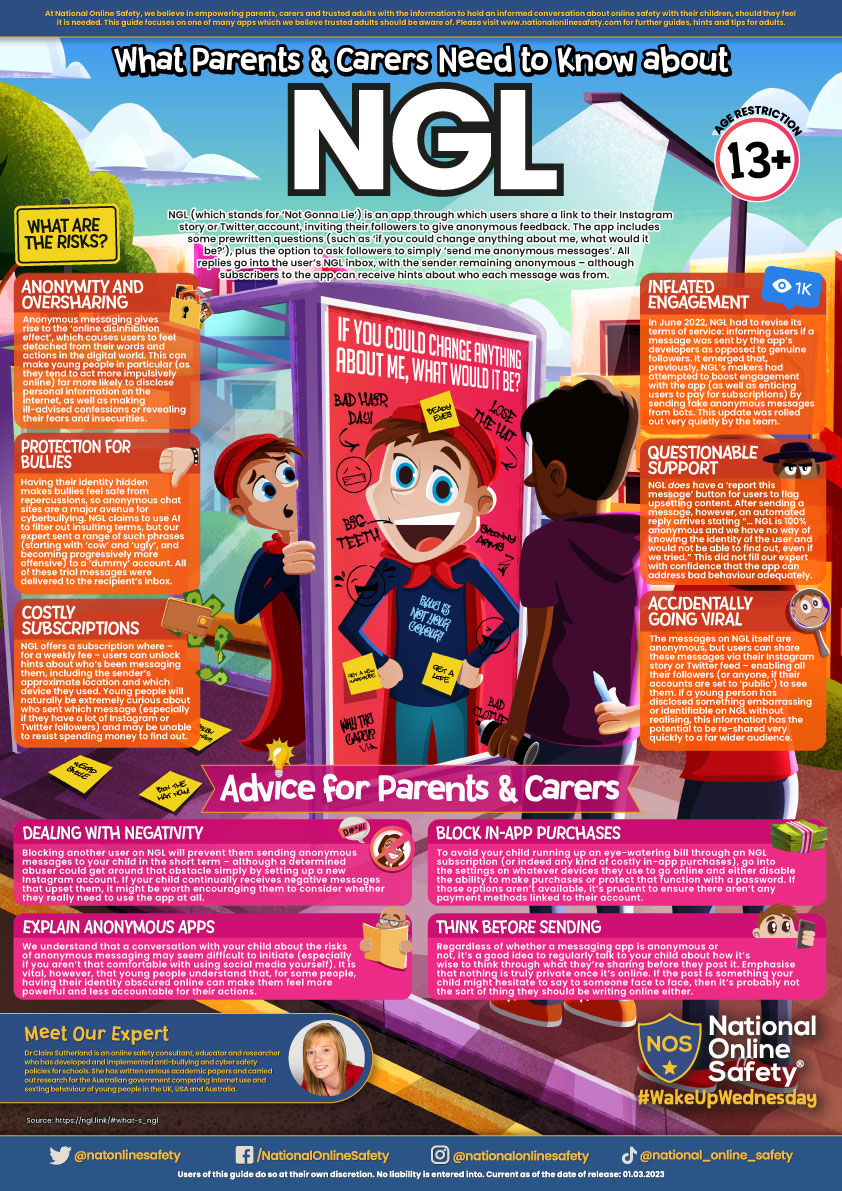
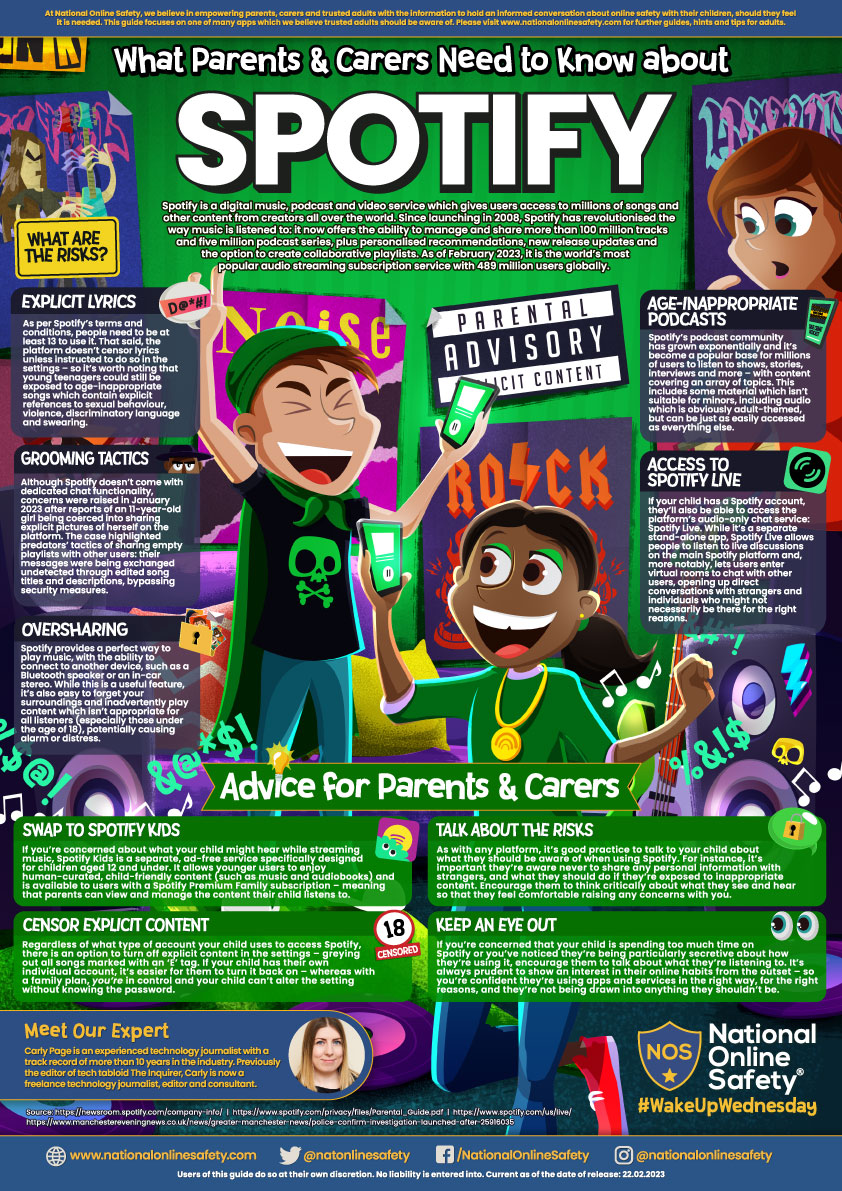
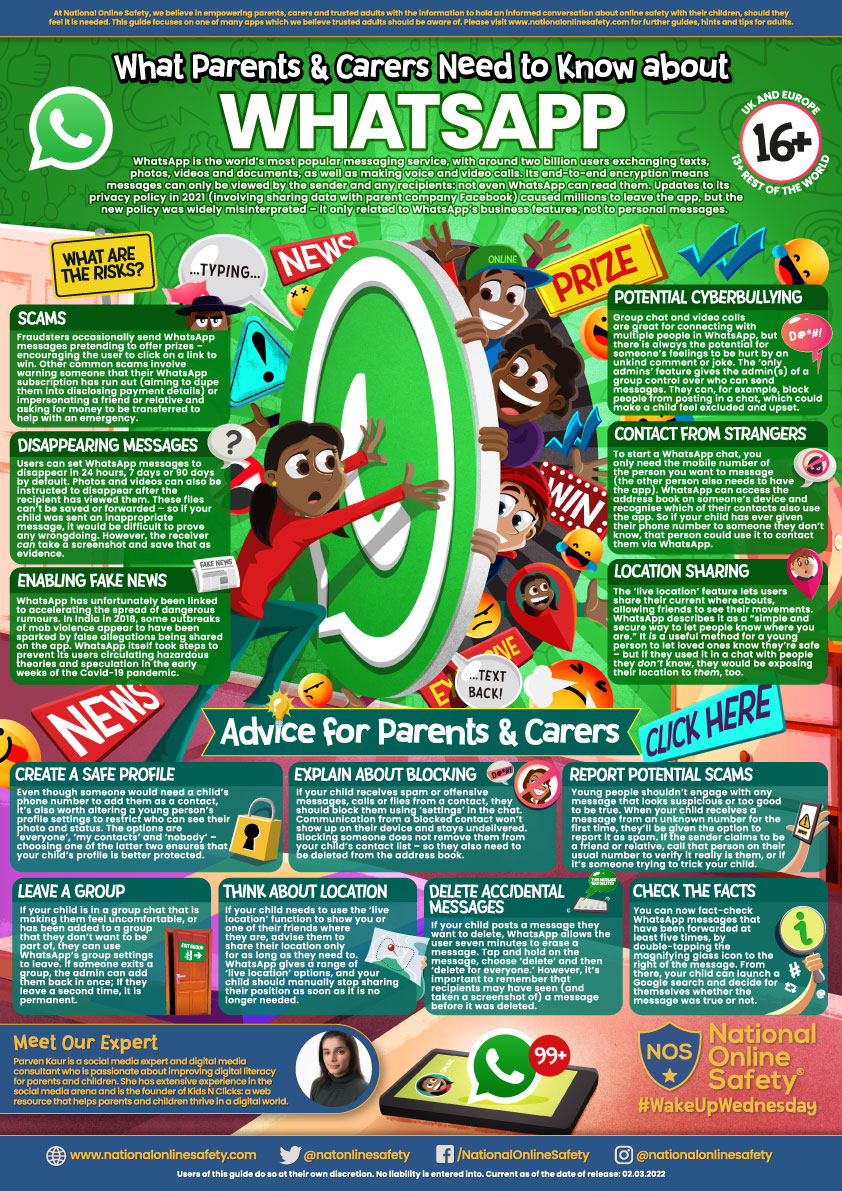
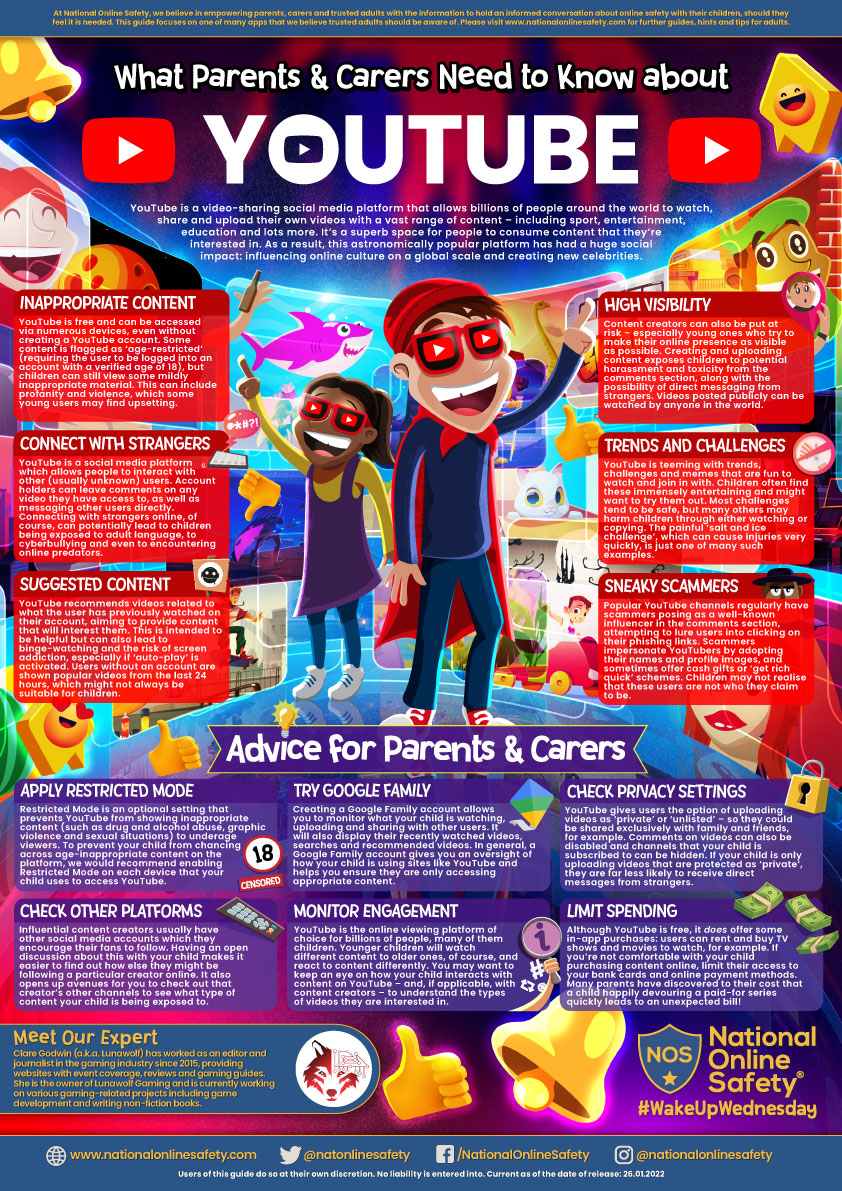
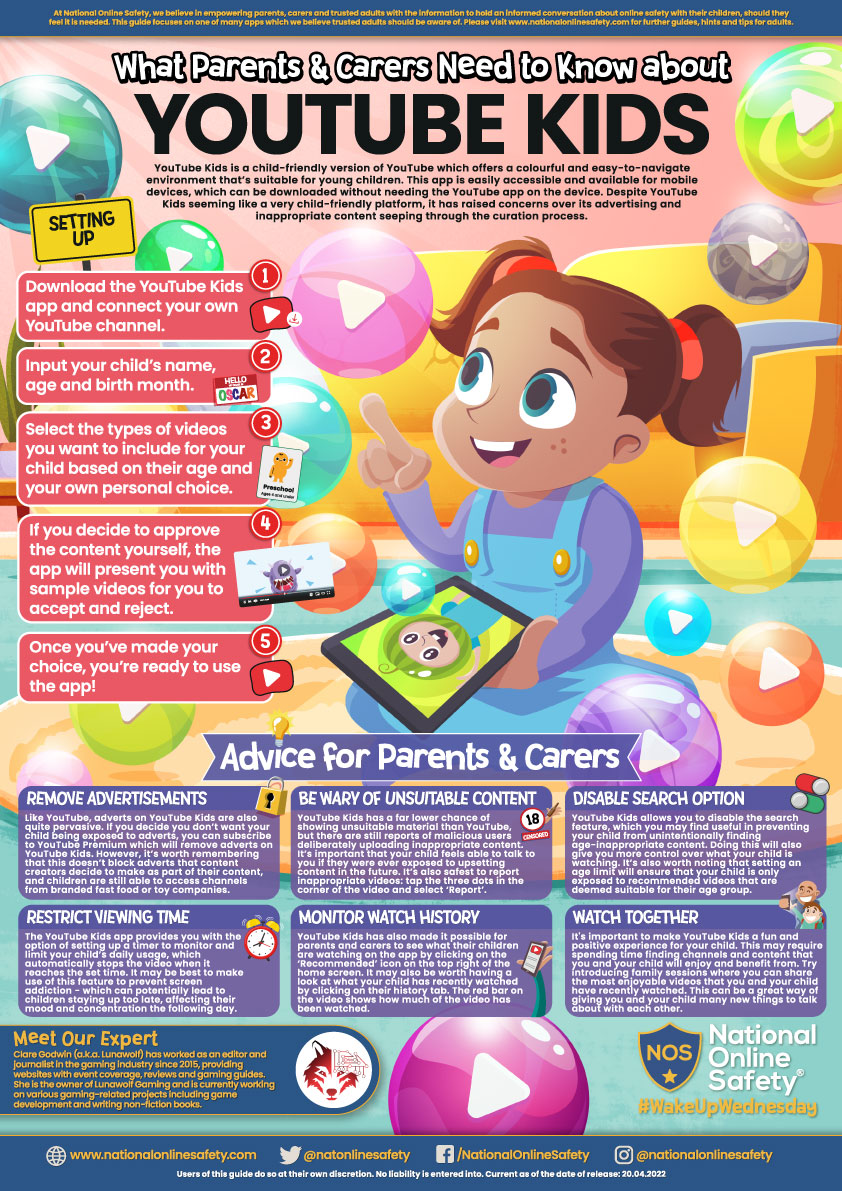
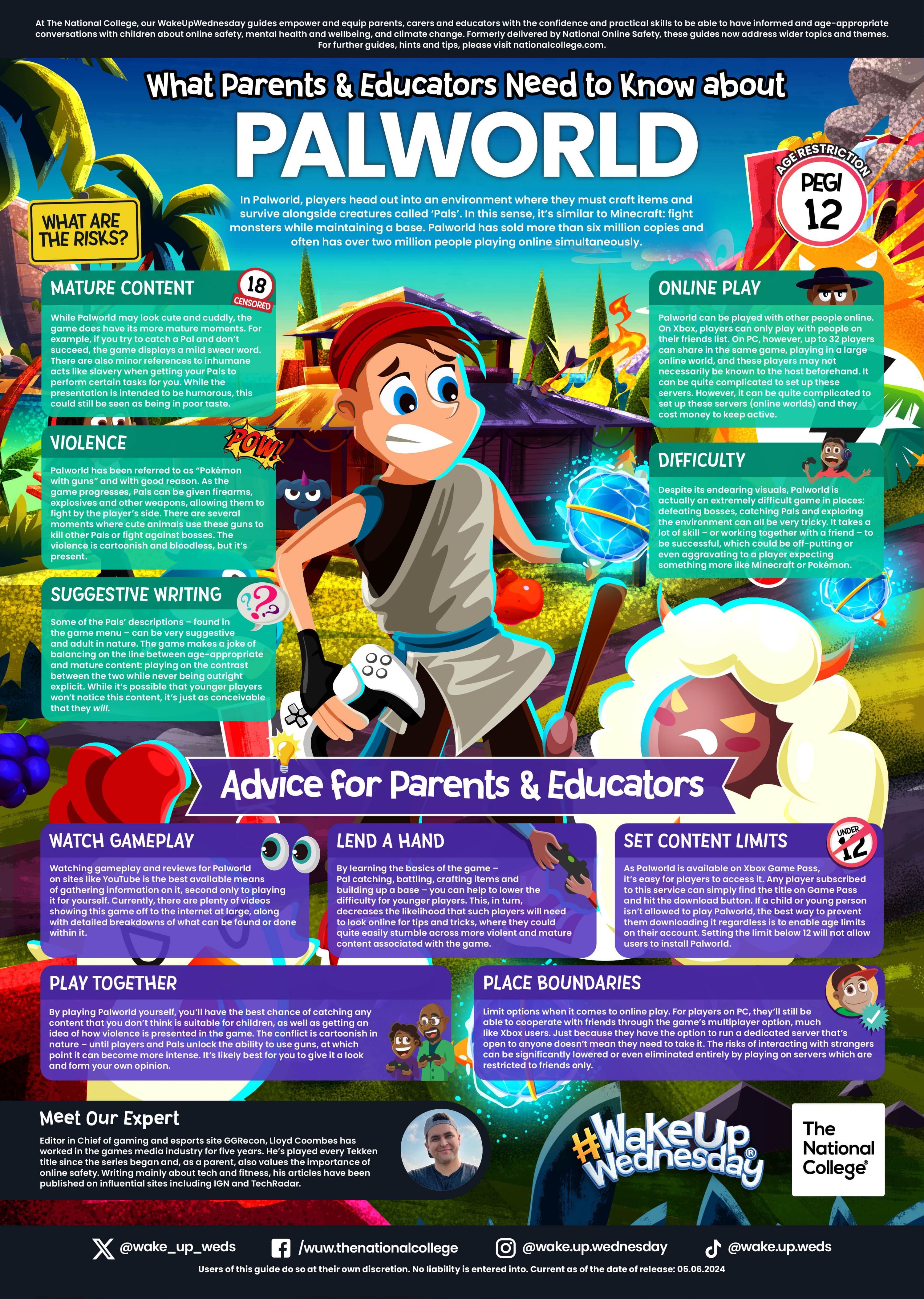 Palworld
Our Safety Centre website
Introducing a new website that is aimed to support parents with keeping their children safe online. Parents can type something into the search bar such as "how do I report a concern on TikTok" and the search engine will tell you.
Please click here or on the image to take you to the website https://oursafetycentre.co.uk/

Internet Matters Online Safety Resources
Internet Matters provides updated resources for schools and parents, with information packs and teaching resources.
There are age-specific resources for early years primary and secondary education. Each section has teaching resources, a parent pack, common online safety issues for that age group, popular social media platforms for that age group and a list of additional resources.
This is an incredible set of free resources for nurseries, schools and parents.
Early Years - https://www.internetmatters.org/schools-esafety/pre-school/
Primary - https://www.internetmatters.org/schools-esafety/primary/
Secondary - https://www.internetmatters.org/schools-esafety/secondary/
O2 / Virgin Media - Internet Safety Resources

Lots of helpful tips, tools and guidance for supporting your children at home when using the internet and the within the digital world. Click on the image above or go to: www.o2.co.uk/help/online-safety
Fortnite - Support for Parents
Need to know more about Fortnite Battle Royale? Games expert Andy Robertson gives a detailed outline of the game and offers great tips for parents to keep children safe while playing.
Thinkuknow - Parent and carers guide to sharing images (Primary)
LGFL Resource - Undressed
This resource isn't for teens, it's for the youngest primary pupils. Why? Although there is awareness about teens choosing to or being coerced or tricked into sharing nudes online, this is about another issue altogether.
LGFL want schools and parents to spread the message of Undressed to the very youngest primary pupils because law enforcement agencies such as NCA CEOP have repeatedly warned about sexual predators tricking young children into getting changed or undressed on camera by playing a ‘game’ or issuing a ‘challenge’ to see how fast they can get changed into different clothes or into a swimming costume. This might happen over video chat or livestreaming app; children often don't even know this has happened; videos are often taken and then circulated.
The Internet Watch Foundation has identified an increase in this trend during 2020 (IWF annual report) - and it's important to recognise that this happens in regular, safe families, while parents are in the house...sometimes the analysts notice the recording ending when a child is called for dinner!
The challenge with online challenges

Online challenges have become increasingly popular, especially with the rise of social media. While many of these challenges are harmless and fun, some can be downright dangerous.
Mums Lisa Kenevan and Hollie Dance lost their sons to dangerous online challenges. They are now helping parents to recognise the risks and keep other children safe.
Talk to your children about risky behaviours such as getting involved in dangerous challenges, clicking on pop-up ads in the games they play or watching videos that promote harmful content.
If you do find signs that they’re watching or participating in these challenges, it’s also important to remain calm and avoid accusations. We want our children to talk to us, making them feel like they have done something wrong will not enable a conversation.
Click here for more: https://www.internetmatters.org/hub/parent-stories/tips-protect-children-harmful-online-challenges/
For information on specific topics, try these pages:
- Parental controls: https://www.thinkuknow.co.uk/parents/articles/Parental-controls/
- Gaming: https://www.thinkuknow.co.uk/parents/articles/gaming/
- Parental controls on specific devices: https://www.internetmatters.org/parental-controls/gaming-consoles/
- Social Media Privacy Controls: https://www.internetmatters.org/resources/social-media-advice-hub/
- Online Safety and Gaming: https://swgfl.org.uk/assets/documents/online-safety-and-gaming.pd